logoDevHub
  • Categories
  • Submit Project
  • Collections
  • Pricing
  • Sponsors
Sign inSign up
Sign in

Categories

Browse Categories

AI647 projectsAPIs & Integrations53 projectsAR/VR6 projectsAuthentication14 projectsBlockchain & Crypto14 projectsBoilerplates49 projectsBusiness Analytics96 projectsCI2 projectsCMS20 projectsCharts7 projectsCloud20 projectsCode13 projectsData Science & Analytics18 projectsDatabases22 projectsDesign Tools152 projectsDevOps15 projectsDeveloper Tools233 projectsE-commerce62 projectsEducation Tech53 projectsEmails31 projectsFinance & FinTech52 projectsGaming Tech26 projectsGraphics & Illustration63 projectsGreen Tech6 projectsHardware3 projectsHealth Tech22 projectsHelpers72 projectsHosting & Infrastructure12 projectsIDE6 projectsInternet of Things (IoT)4 projectsMachine Learning39 projectsMarketing Tools294 projectsMobile Development30 projectsMonitoring19 projectsNatural Language Processing23 projectsNo-Code54 projectsOpen Source51 projectsPayment Gateways26 projectsPlatforms & Frameworks83 projectsProductivity365 projectsProject Management21 projectsPrototyping4 projectsRobotics0 projectsSaaS497 projectsSales Tools53 projectsSecurity43 projectsServerless11 projectsTesting & QA15 projectsUI & Libraries22 projectsWearables1 projectsWeb Development147 projectsWeb322 projectsWorkflow Automation82 projects

Quick Access

Trending NowTop of Last Month
Company LogoDevHub

Product Hunt alternative for startups

© 2026 DevHub. All rights reserved.

Build with ❤️ by DirEasy

Discover

  • Trending
  • Categories
  • Submit Project

Resources

  • FAQs
  • Pricing
  • Sponsors
  • Blog
  • Help Center

Legal

  • Terms of Service
  • Privacy Policy

Connect

  • GitHub
  • Twitter / X

Products

  • ShipThing
  • SaasHunt
  • 1000 Tools
  • 1000 Saas
  • 1000 AI
  • TinyHunt
  • LinkSalad
  • AIChatOne
DevHub - AI-powered directory boilerplate | Product HuntUneed POTD1 BadgeDevHub - AI-powered directory boilerplate | Startup FameGood AI ToolsListed on Turbo0Monitor your Domain Rating with DRChecker ToolsFine.com-Best AI Tools and AI App in 2024Featured on Dofollow.ToolsAiTop10 Tools DiresctorySimilarLabs Embed BadgeLaunched on LaunchBoard - Product Launch Platform yo.directory

Graphics & Illustration

NSketch AI logo

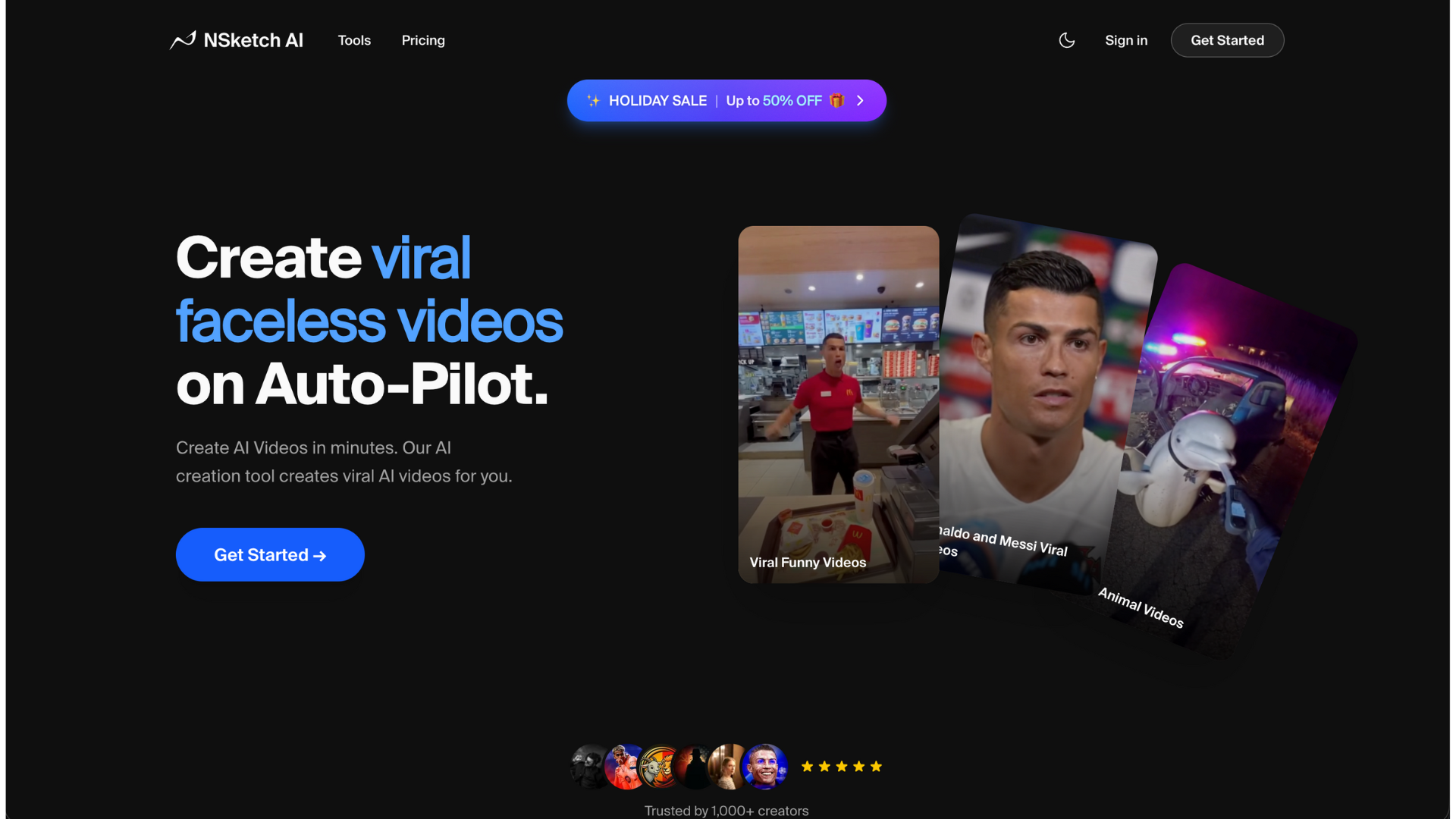
NSketch AI

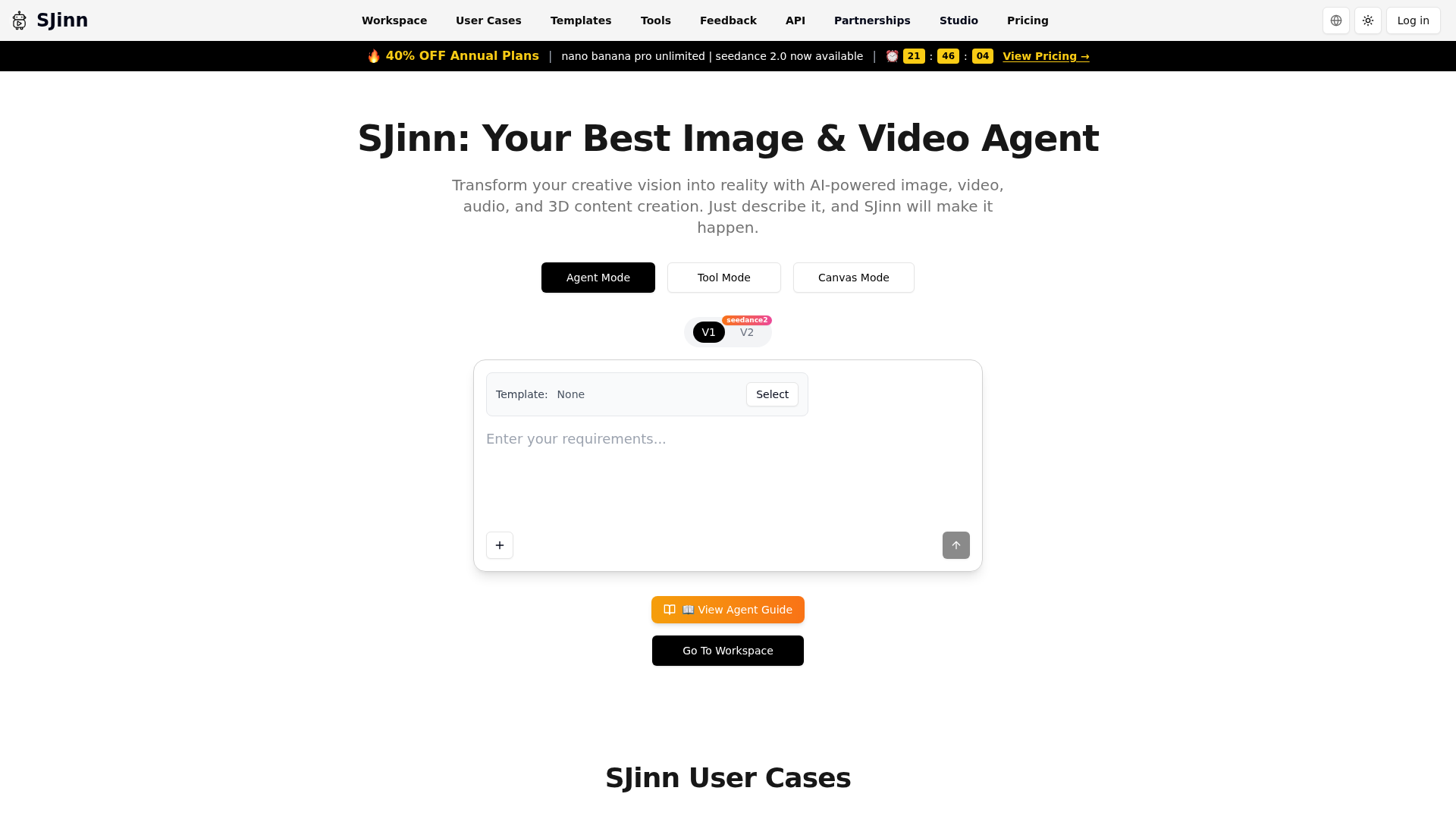
Nsketch AI is an All-in-one AI creative studio with 15+ models SOTA models such as Sora 2, Veo 3.1, Nano Banan Pro, Kling O1 and Kling 2.6 and many more. Generate videos with built-in celebrity cameos, create realistic lip sync Videos and Talking Images, clone voices, upscale to 8K, and more. One platform for all viral AI content creation.

AIGraphics & IllustrationDesign Tools
MyOG.social logo

MyOG.social

Boost your social media CTR with auto-generated OG images. MyOG.social automatically generates beautiful Open Graph images for your website in 4 simple steps: enter your URL, customize the template, copy the generated meta tags, and watch your social shares stand out.

SaaSWeb DevelopmentGraphics & Illustration
3dSynth logo

3dSynth

3dSynth is a revolutionary generative toolpath synthesizer designed for creative 3D printing, directly generating G-code without traditional mesh-based workflows. It empowers artists, designers, and makers to build organic vases, lampshades, and sculptural forms using mathematical rules and stackable effects, offering unparalleled control over the printing process.This innovative SaaS targets individuals seeking direct control over their 3D printer's toolpaths, allowing for the creation of unique and complex geometries that are difficult or impossible with conventional modeling and slicing software.Key FeaturesDirect G-code Generation: Bypasses STL files and slicers, computing toolpaths mathematically from design parameters.Parametric Control: Every aspect of the form is defined by adjustable numbers, with real-time visual feedback.Modular Effect Stack: Apply and stack modulators like ripples, blobs, noise, and twist, precisely ranged to specific heights.Real-time Preview: Instantly visualize the toolpath in a 3D viewer, inspecting layers and dimensions before printing.Spiral Vase Mode: Optimized for continuous Z printing, ideal for single-wall vessels and translucent effects.Printer-ready Output: Exports G-code configured for popular machines (Prusa, Bambu Lab, Creality, Voron) with proper start/end sequences.Use Cases3dSynth excels in scenarios where creative freedom and unique forms are paramount. Artists can explore mathematical aesthetics to generate intricate sculptures, while designers can craft bespoke lampshades or decorative vessels with organic textures and translucent qualities. The direct G-code generation eliminates common frustrations like mesh repair and fighting slicer settings, streamlining the creative workflow from idea to physical object.Makers and creative technologists will find 3dSynth invaluable for experimenting with generative fabrication. It allows for rapid iteration and exploration of forms that would be prohibitively complex or time-consuming to model conventionally. The ability to define shapes through simple profile curves and stackable effects democratizes advanced 3D printing techniques, making them accessible without requiring extensive 3D modeling experience.Pricing Information3dSynth operates on a freemium model. A free browser version offers generous features, including a profile spline editor, up to 4 modulators, 15 free effect types, real-time 3D preview, and G-code export. The Premium desktop app, available for a one-time payment of €39, unlocks unlimited modulators, all 31 effect types, Julia Stack fractal mode, and lifetime updates for Windows, macOS, and Linux. Purchases are made via Gumroad.User Experience and SupportThe user interface is designed for ease of use, allowing users to define shapes through an intuitive spline editor and stack effects by adjusting sliders. The real-time 3D preview provides immediate visual feedback, making the design process highly interactive and exploratory. No prior 3D modeling experience is required, as the tool focuses on parametric control. Support includes built-in profiles for popular 3D printers and a comprehensive FAQ section addressing common questions about compatibility and usage.Technical Details3dSynth generates standard G-code compatible with any FDM/FFF 3D printer. It fundamentally differs from traditional slicers by creating toolpaths directly from mathematical parameters rather than converting existing 3D models. This direct approach ensures precise control over the printer's movements, enabling unique generative forms. The generated G-code includes all necessary start and end sequences for safe and reliable printing.Pros and ConsPros:Direct G-code generation for ultimate control.Enables creation of unique, organic, and complex forms.Parametric control with real-time visual feedback.No 3D modeling experience required.Streamlined workflow, bypassing STL and slicer issues.Supports a wide range of FDM/FFF printers.Cons:Browser version has limited features compared to desktop.Requires a shift in mindset from traditional mesh modeling.Focuses primarily on single-wall, vase-mode type prints.Conclusion3dSynth offers a powerful and innovative approach to creative 3D printing, providing artists and makers with direct, mathematical control over their toolpaths. By eliminating the complexities of traditional modeling and slicing, it unlocks new possibilities for generative design and unique physical forms. Explore the free browser version or invest in the full desktop app to revolutionize your 3D printing creations.

Design ToolsGraphics & IllustrationHardware
Kirkify AI logo

Kirkify AI

Kirkify AI is an innovative online tool that leverages advanced artificial intelligence to transform any uploaded image into viral-ready memes. Its primary purpose is to provide users with a quick, easy, and fun way to generate humorous, shareable content for social media platforms. This SaaS is ideal for anyone looking to create engaging and viral content without any design skills or complex software. It caters to individuals, social media managers, and content creators who want to capitalize on meme culture and boost their online presence. Key Features Instant AI Transformation: Our signature AI technology instantly recognizes faces and applies "kirkification" to create comedic, viral content in seconds. Viral Optimization: Content is specifically designed for maximum shareability and social media success, ensuring your creations resonate with a wide audience. 100% Free & No Registration: Enjoy all features without any hidden costs, premium tiers, or the need to create an account, allowing for immediate content creation. Privacy-First Approach: All uploaded images are automatically deleted after processing, ensuring user privacy and data security. Mobile-Friendly Design: Access and utilize Kirkify AI seamlessly from any device, including smartphones and tablets, for on-the-go meme generation. Zero Learning Curve: The intuitive three-step process (upload, kirkify, share) makes it accessible for users of all technical abilities. Use Cases Kirkify AI excels in scenarios where rapid content creation and viral potential are key. Imagine you're a social media influencer needing fresh, engaging material daily; Kirkify AI allows you to quickly turn current events or personal photos into humorous memes that resonate with your followers. It's perfect for injecting humor into your online presence, whether for personal enjoyment or brand building. Furthermore, for individuals looking to personalize their online interactions, Kirkify AI offers a unique way to create custom reaction images or inside jokes with friends. Its ability to instantly transform any image into a "kirkified" masterpiece means you can always have a relevant and funny response ready, enhancing digital conversations and fostering community engagement. Pricing Information Kirkify AI operates on a completely free model. There are no hidden costs, premium tiers, or subscription fees. Users can access all features and create unlimited viral content without any financial commitment. User Experience and Support The platform boasts an exceptionally user-friendly interface with a "zero learning curve." The process is streamlined into three simple steps: upload, kirkify, and share. Its mobile-friendly design ensures a consistent and efficient experience across all devices. For any inquiries or assistance, users can reach out via the provided email support at [email protected]. Technical Details Kirkify AI leverages advanced artificial intelligence and image processing technologies to perform its unique "kirkification" transformation. While specific programming languages or frameworks are not disclosed, the core functionality relies on sophisticated AI algorithms to recognize faces and generate comedic effects, ensuring high-quality and viral-ready output. Pros and Cons Pros: Completely free with no hidden costs. No registration required, ensuring instant access. Strong privacy commitment (images deleted after processing). Extremely easy to use with a zero learning curve. Optimized for viral content and social media sharing. Mobile-friendly for on-the-go creation. Cons: Specific "kirkification" style might not appeal to all users. Limited customization options beyond the core AI transformation. No explicit API or integration options mentioned. Conclusion Kirkify AI stands out as a powerful, free, and privacy-conscious tool for anyone looking to effortlessly create viral memes. Its instant AI-powered transformations and focus on shareability make it an invaluable asset for personal use or social media content creation. Join millions of creators and start transforming your images into hilarious, shareable content today!

AIGraphics & IllustrationMarketing Tools
WorldEngen logo

WorldEngen

WorldEngen is an innovative AI-powered editor designed to revolutionize 3D production workflows. It seamlessly integrates leading AI models with industry-standard 3D engines like Blender, Unity, and Unreal Engine, enabling studios to accelerate the creation of production-ready scenes from weeks to mere hours. This powerful SaaS solution targets 3D production teams, game developers, animators, and professionals in film, TV, and simulation. Key Features: Centralized 3D Intelligence: Consolidates all worldbuilding elements, including concept art, style guides, greyboxes, assets, and scenes, within a single editor, managed by intelligent 3D agents. Seamless Workflow Integration: Plugs directly into existing tools such as Blender, Unity, Unreal, and asset libraries, enhancing current pipelines without disruption. AI-Powered Collaboration: AI agents assist in brainstorming and generating various assets like concept art, image kits, greyboxes, videos, 3D models, and style guides from simple prompts or reference boards. Significant Cost & Speed Savings: Automates repetitive tasks like layout, set dressing, and asset placement, drastically reducing production time and allowing budgets to stretch further. Production-Ready Output: Focuses on delivering high-quality, production-ready environments efficiently. Desktop Application: Operates via a dedicated desktop application for robust performance and integration. Use Cases: Games and Interactive Worlds: WorldEngen empowers game developers to block, dress, and iterate on levels at an unprecedented pace, facilitating more frequent and polished game builds. This allows teams to dedicate more energy to critical aspects like story, pacing, and core game mechanics. Simulation and Training: For industries requiring realistic virtual environments, WorldEngen enables rapid creation and effortless updates of complex simulation and training scenarios, ensuring up-to-date and immersive experiences. 3D and Animation & Film, TV, and Cinematics: From rough concepts to fully realized scenes, animators and filmmakers can leverage WorldEngen to quickly generate environments. This frees creative teams to concentrate on character performance, narrative, and cinematic quality, transforming scripts into shot-ready environments in hours, not weeks. Pricing Information: WorldEngen offers a 7-day trial period, allowing prospective users to experience its capabilities firsthand. While specific subscription tiers or one-time purchase options are not detailed, the trial indicates a paid service model designed for professional studios. User Experience and Support: The user experience begins with a straightforward installation of the WorldEngen desktop application, followed by a simple pairing process to establish a connection. Users can then immediately start creating immersive 3D worlds within the app. Although direct support documentation isn't explicitly mentioned, the option to "Hire a WorldEngen-Certified Studio" suggests a professional ecosystem and potential for expert assistance. Technical Details: WorldEngen operates as a desktop application that integrates deeply with leading 3D production software, including Blender, Unity, and Unreal Engine. It leverages advanced AI models and proprietary 3D agents to process and generate content, streamlining complex worldbuilding tasks. Pros and Cons: Pros: Accelerates 3D production significantly; Integrates with industry-standard tools; Centralizes all worldbuilding data; AI automates repetitive tasks; Supports diverse production stages; Offers a free 7-day trial. Cons: Requires desktop app installation; Specific pricing details are not publicly listed; Optimal AI direction may involve a learning curve; Direct customer support resources are not explicitly detailed; Mentions "Legacy" products, indicating potential shifts in offerings. Conclusion: WorldEngen stands as a transformative AI co-pilot for 3D production, empowering studios to build complex, production-ready scenes with unprecedented speed and efficiency. By harmonizing AI intelligence with existing workflows, it allows creative teams to focus on storytelling and innovation. Explore the future of 3D worldbuilding by starting your 7-day trial today.

AIGaming TechGraphics & Illustration
Seedance 2.0 video studio logo

Seedance 2.0 video studio

Seedance 2.0: The Breakthrough AI Video GeneratorSeedance 2.0, developed by ByteDance, is a cutting-edge AI video generator designed to revolutionize content creation. It boasts an industry-leading 90%+ usable output rate, allowing users to effortlessly combine text, images, video clips, and audio in a single prompt to produce stunning 2K AI videos with native audio-video synchronization, eliminating the need for post-production.This powerful SaaS solution caters to a wide range of professionals and creators, including solo artists, enterprise teams, video production directors, social media managers, indie filmmakers, e-commerce sellers, and digital marketing agencies, all seeking to streamline and enhance their video production workflows.Key Features90%+ Usable Output Rate: Consistently delivers production-ready videos, cutting costs by up to 80% compared to previous AI tools.Native Audio-Video Synchronization: Generates audio and video jointly, ensuring precise lip-sync, context-aware ambient sounds, and adaptive background music.Quad-Modal Creative Input: Accepts up to 12 files simultaneously, including text prompts, 9 images, 3 video clips, and 3 audio tracks, for comprehensive creative control.2K Native Resolution Output: Produces sharp, high-quality video at 2K resolution, suitable for social media, advertising, and commercial distribution.Auto Storyboarding & Smart Camera System: Automatically breaks stories into professionally framed shots and generates dynamic camera movements, simplifying complex video direction.Multi-Shot Narrative Consistency: Maintains character appearance, clothing, and features across multiple shots, crucial for short films and series content.Use CasesSeedance 2.0 addresses the biggest pain points in AI video creation, such as unpredictable output quality and fragmented production workflows. It empowers users to transform still images into cinematic video clips with stunning motion, visualize any text prompt into dynamic scenes, and create professional-grade short films or branded storytelling content with unparalleled consistency.From generating product demo videos for e-commerce sellers to producing engaging educational content and rapid prototyping for UX motion designers, Seedance 2.0 significantly accelerates content creation. It enables ad campaign managers to test 20 concepts in the time it once took for one, and corporate video producers to create internal communications and training videos in-house at a fraction of the traditional cost.Pricing InformationSeedance 2.0 offers a flexible pricing structure with monthly subscription plans: Basic ($11.99/month), Pro ($23.99/month), Ultra ($63.99/month), and Max ($159.99/month), each providing varying credit allowances and support levels. Additionally, users can purchase credit packages (Trial, Basic, Standard, Premium) that never expire, offering further flexibility for their video generation needs.User Experience and SupportThe platform is designed for ease of use, featuring an intuitive interface that allows users to combine diverse inputs into a single prompt. Advanced capabilities like auto storyboarding and a smart camera system simplify complex video production tasks. Support varies by plan, ranging from basic customer support to priority responses within 4 hours for Max plan users, ensuring assistance is available when needed.Technical DetailsWhile specific programming languages or frameworks are not detailed, Seedance 2.0 leverages advanced AI models to process quad-modal inputs and generate high-resolution video with native audio-video synchronization, indicating sophisticated machine learning and video processing technologies at its core.Pros and ConsPros: Exceptional 90%+ usable output rate; seamless native audio-video synchronization; versatile quad-modal input; superior 2K resolution; robust multi-shot consistency; automated storyboarding and camera control; enterprise API for scalability; significant cost and time savings.Cons: No explicit free tier for subscriptions (though a trial credit package exists); advanced features might require some learning; specific technical stack not disclosed.ConclusionSeedance 2.0 stands out as a leading AI video generator, offering unparalleled quality, efficiency, and creative control. Its ability to deliver production-ready 2K videos with perfect audio-video sync and multi-shot consistency makes it an indispensable tool for anyone looking to produce professional video content at scale. Explore Seedance 2.0 today to transform your video creation process and unlock new creative possibilities.

PromotedAISaaSMachine Learning
Stratatube logo

Stratatube

Stratatube allows you to expose the layers beneath the standard YouTube algorithm. This tool helps you explore content more deliberately by using pattern-based searching to find hidden videos that exist beyond traditional rankings and recommendations. Instead of an algorithm deciding what you see, Stratatube uses patterns, reusable search templates, you can customize before running a search. Patterns help surface uploads with minimal descriptions, default filenames, or little engagement history. Not every video will be interesting, some are quiet, some are odd, but you're seeing things most people never will. Instead of typing exact keywords, you spin combinations of eras, patterns, and parameters drawn from real upload behaviors like time periods, naming habits, or metadata quirks. It is not randomness for its own sake. Each spin builds a valid, inspectable search that you can tweak before running. The result feels more like exploration than querying.

ProductivityGraphics & Illustration
Pregnancy AI logo

Pregnancy AI

Pregnancy AI is a cutting-edge SaaS platform designed to empower expecting parents to create stunning, AI-generated maternity photos and predict their future baby's appearance. It offers a convenient and professional alternative to traditional photoshoots, allowing users to capture their pregnancy journey from the comfort of their home.This innovative tool is ideal for expecting mothers and partners who wish to document their pregnancy with high-quality visuals, visualize their baby's features, and share these precious moments with family and friends.Key Features:AI Pregnancy Photos: Transform ordinary selfies into professional-grade maternity portraits with realistic pregnant bellies and elegant poses.Baby Face Prediction: Utilize advanced AI facial recognition to generate a prediction of what your future baby might look like, based on parent photos.Realistic Pregnant Filter: Instantly apply authentic-looking pregnant belly filters to any photo, with adjustable sizes from 1-9 months.Pregnancy Journey Videos: Create captivating month-by-month transformation videos to showcase the progression of your pregnancy.40+ Photo Styles: Choose from a diverse range of artistic styles including Golden Hour Beach, Enchanted Forest, Cyberpunk, Elegant Studio, and many more.Instant Results: Receive AI-generated maternity photos and baby predictions in seconds, eliminating long waiting times.Use Cases:Pregnancy AI addresses the common challenges faced by expecting parents, such as the high cost and time commitment of professional maternity photoshoots. It provides an accessible solution for creating beautiful keepsakes, allowing users to experiment with various outfits, backgrounds, and artistic styles privately. This is particularly beneficial for those who prefer a discreet approach or have budget constraints, ensuring everyone can celebrate their pregnancy visually.Beyond photography, the platform fosters emotional connection by offering a unique baby face prediction feature, turning anticipation into an interactive experience. It also serves as an invaluable tool for documenting the entire pregnancy journey through dynamic videos, making it easy to share updates and create lasting memories with loved ones without needing any specialized photography skills or equipment.Pricing Information:Pregnancy AI operates on a freemium model, offering a 'Free to Start' option that allows users to begin creating without any upfront cost or credit card requirement. This enables users to explore basic functionalities before committing to premium features or packages.User Experience and Support:The user interface is designed for simplicity and ease of use, guiding users through a straightforward four-step process: upload photos, choose styles, generate with AI, and download/share. The platform aims for instant results, enhancing user satisfaction. For support, users can refer to the Frequently Asked Questions section or contact the customer support team directly via email at [email protected].Technical Details:At its core, Pregnancy AI is powered by cutting-edge AI models and advanced AI facial recognition and generation technology. These sophisticated machine learning algorithms are responsible for transforming user selfies into realistic maternity portraits, applying accurate pregnant belly filters, and generating plausible baby face predictions, ensuring high-quality and stunning visual outputs.Pros and Cons:Pros:Cost-effective alternative to professional photography.Convenient and accessible from home (no studio needed).Wide variety of 40+ artistic photo styles.Instant generation of photos and predictions.Unique baby face prediction feature.Cons:Quality of AI output can depend on input photo clarity.May not fully replicate the nuanced artistry of a human photographer.Limited information on advanced customization options within the app.Conclusion:Pregnancy AI offers an innovative and user-friendly solution for expecting parents to beautifully document their pregnancy journey and envision their future child. Its blend of advanced AI technology and creative flexibility makes it an essential tool for capturing these unforgettable moments. Start your free journey with Pregnancy AI today and create cherished digital memories.

AIMachine LearningGraphics & Illustration
VEO 3 Video Generator logo

VEO 3 Video Generator

VoWo.AI VEO 3 Video Generator: Cinematic AI Video Creation with Native Audio VoWo.AI's VEO 3 Video Generator is an cutting-edge AI-powered platform designed to effortlessly create high-quality, 8-second cinematic videos complete with integrated native audio. It serves a broad audience, from individual content creators and marketers to businesses seeking to transform their ideas into professional, engaging video content with unprecedented ease and speed. Key Features Native Audio Generation: Automatically creates and integrates environmental sounds, character dialogue with synchronized lip-syncing, and atmospheric audio directly into videos. Advanced Prompt Understanding: Interprets complex, narrative-driven text prompts with high accuracy, translating detailed scene descriptions and character actions into cohesive video clips. Cinematic Quality Output: Generates movie-quality videos featuring realistic physics, professional lighting, and smooth camera movements. Natural Language Processing: Allows users to describe desired video content in everyday language, eliminating the need for technical jargon. Multimodal Understanding: AI intelligently connects visual, motion, and audio elements to produce professionally cohesive and immersive content. Proprietary AI Engine: Utilizes a powerful AI big model engine for rapid generation of high-quality video content. Use Cases VEO 3 Video Generator is ideal for a variety of applications. Marketing professionals can quickly produce captivating short video ads, social media content, or product showcases, significantly reducing production time and costs. Content creators can bring their narrative visions to life, generating stunning visual stories and animated characters without requiring extensive video editing skills or equipment. Businesses can leverage VEO 3 to create professional-grade explainer videos, internal communications, or engaging presentations. Its ability to generate integrated audio, including dialogue and sound effects, makes it perfect for creating immersive educational content or dynamic promotional materials that stand out. Pricing Information VoWo.AI operates on a freemium model, offering new users 100 free credits to start creating videos immediately. The platform also features limited-time promotional offers, such as a 50% discount. Subscribers gain access to unwatermarked, high-resolution video downloads with full commercial usage rights, ensuring flexibility for professional projects. User Experience and Support Designed for accessibility, VEO 3 AI caters to both beginners and seasoned professionals. Its intuitive interface allows users to simply describe their desired video in natural language, with the AI handling all technical aspects. While specific tutorials aren't detailed, the platform includes a comprehensive FAQ section and a 'Help Center' to assist users in maximizing their creative potential. Technical Details The VEO 3 Video Generator is powered by an advanced AI video generation model and a proprietary AI engine. This underlying technology enables excellent prompt understanding, realistic physics, and cinematic quality output, ensuring that user descriptions are accurately translated into high-fidelity video content. Pros and Cons Pros: Exceptional cinematic quality and realism; unique native audio generation with lip-syncing; highly accurate prompt understanding; user-friendly natural language interface; commercial use permitted; free credits for new users. Cons: Videos are limited to 8-second durations; specific technical integrations or API access are not detailed; content restrictions (nudity, violence, etc.) may lead to account limitations. Conclusion VoWo.AI's VEO 3 Video Generator stands as a powerful and accessible solution for anyone looking to produce professional-grade short videos with integrated, immersive audio. Its blend of advanced AI capabilities and ease of use makes it a valuable tool for diverse creative and commercial applications. Explore VoWo.AI today to revolutionize your video creation process.

AIGraphics & IllustrationMarketing Tools
Nano AI logo

Nano AI

Nano AI is an all-in-one creative platform designed to revolutionize AI image generation, editing, and sharing. Powered by the innovative Nano Banana AI model, it enables users to draft, polish, and share visual ideas with unprecedented speed and precision, targeting professionals and teams across diverse industries. Key Features AI Image Generation: Seamlessly transform text into stunning visuals and iterate on existing images with advanced image-to-image capabilities. Nano Banana AI Model: Experience flash-speed inference and a model that understands nuanced prompts, delivering consistent results without complex engineering. Sub-10-Second Renders: Orchestrates the full pipeline for near-instant visual output, keeping you in the creative flow. Deep Style Tuning: Gain granular control over lighting, texture, and composition by simply describing your desired aesthetic. Magic Edit: Inpaint, outpaint, and reimagine specific image regions using natural language, from changing colors to expanding backgrounds. 4K Neural Upscaling (Coming Soon): Enhance drafts into production-ready assets by adding believable detail and texture density for billboard-sized prints. Use Cases Nano AI serves as an indispensable tool for various professional applications. Architects can bridge abstract concepts to photorealistic renders, maintaining consistent lighting and material cues throughout iterations. Film & TV professionals leverage it for cinematic storyboarding, ensuring consistent character styling and atmospheric lighting references before cameras roll. Marketing teams can generate infinite campaign variations and localized assets aligned with brand tone, while game developers can unblock asset pipelines with seamless texture generation and consistent NPC prompts. Fashion designers stage virtual photoshoots, and product designers visualize form factors and colorways in seconds, ensuring style language adherence without extra tweaks. Pricing Information Nano AI operates on a paid subscription model, offering various plans including "Pro" and "Studio" tiers. These plans unlock advanced features like 4K upscaling, priority support, and full commercial rights for generated images. Specific pricing details are available by viewing their pricing page. User Experience and Support The platform boasts a deceptively simple, single-tap interface that removes manual setup, making it accessible for anyone to create fast. The workflow, especially when paired with the Nano Banana AI model, feels effortless. Priority support is available for Pro users, and upcoming features like Prompt Labs, Galleries, and Editors will further enhance the integrated creative workspace. Technical Details At its core, Nano AI is powered by Google's Gemini 2.5 Flash engine, affectionately dubbed "Nano Banana." This advanced AI model is optimized for flash-speed inference and robust performance, capable of interpreting complex, layered instructions. Studio accounts also gain access to the Nano AI API and Nano Banana model endpoints for custom integrations. Pros and Cons Pros: All-in-one creative platform; lightning-fast, sub-10-second renders; powerful and intuitive Nano Banana AI model; deep style control and Magic Edit features; industry-specific solutions; supports multiple languages; commercial rights on paid plans. Cons: Key features like 4K Neural Upscaling and Prompt Labs are "coming soon"; specific pricing tiers and details are not fully transparent in the provided overview; no explicit free tier or trial mentioned. Conclusion Nano AI, with its intelligent Nano Banana model, stands as a cutting-edge creative platform that significantly accelerates the visual content creation process. Its blend of speed, advanced AI capabilities, and integrated tools makes it an invaluable asset for professionals seeking to bring their visions to life efficiently. Explore Nano AI today to elevate your creative workflow.

AIDesign ToolsGraphics & Illustration
Imgezy logo

Imgezy

Imgezy is an innovative AI photo editor designed to simplify and enhance image manipulation for users of all skill levels. It leverages advanced artificial intelligence to perform complex editing tasks, making professional-grade photo adjustments accessible without requiring design experience.This SaaS is ideal for a broad audience, including casual users, small businesses, e-commerce shop owners, content creators, photographers, and social media influencers who need quick, high-quality image edits.Key Features:Object Removal: Intelligently identifies and removes unwanted elements, people, or distractions with pixel-perfect accuracy.Background Replacement: Instantly changes photo backgrounds to solid colors or stunning landscapes.Photo Enhancement: Automatically improves colors, lighting, and sharpness for visually appealing results.Batch Processing: Edit multiple photos simultaneously, saving significant time on large projects.High-Quality Output: Download edited images in full resolution without any loss of quality.Smart Repair: Automatically repairs damaged or blurry areas to restore clarity to photos.Use Cases:Imgezy excels in scenarios where visual perfection is paramount. E-commerce businesses can create professional, marketplace-compliant product images in bulk, significantly reducing photography costs and boosting sales. Content creators and social media influencers can generate unique, engaging visuals, clear crowds from landmark photos, or experiment with new looks for profile pictures, leading to increased engagement.Photography enthusiasts and individuals can restore old family photos by removing imperfections or unwanted objects, preserving cherished memories. Its ease of use makes it perfect for anyone looking to quickly enhance personal photos for sharing or archiving without investing in complex software or professional services.Pricing Information:Imgezy offers a freemium model, allowing users to edit one image for free. For more extensive needs, premium plans are available: the Basic plan at $9.99 USD/month (80 credits) and the Pro plan at $19.99 USD/month (500 credits), with discounts for annual billing. Both plans offer flexible cancellation.User Experience and Support:The platform boasts an intuitive interface, emphasizing "no skills required" and "just your creativity." Users simply upload an image and describe their desired transformation. The Pro plan includes priority support for bulk work and priority email support, ensuring assistance for professional users. The FAQ section provides clear guidance on achieving optimal results.Technical Details:While specific programming languages or frameworks are not detailed, Imgezy leverages advanced AI models like Nano Banana Pro, Nano Banana AI, Seedream 4.5, and Flux Kontext for its powerful image editing capabilities. It supports common image formats such as JPG, PNG, HEIC, and WebP, recommending up to 4K resolution for optimal performance.Pros:AI-powered, professional-grade results without manual effort.Extremely easy to use, requiring no prior editing skills.Instant results, saving significant time compared to traditional editing.Versatile features including object removal, background change, and enhancement.High-quality output suitable for commercial and personal use.Cost-effective solution for businesses needing bulk image processing.Cons:Requires sign-in and credits for full AI model access.Free plan is limited to a single image edit.Reliance on AI might limit very specific, nuanced manual control.No explicit mention of a money-back guarantee.Conclusion:Imgezy stands out as a powerful and user-friendly AI image editor, transforming complex photo editing into a simple, descriptive process. It's an invaluable tool for anyone seeking to produce stunning visuals quickly and efficiently. Explore Imgezy today to experience the future of AI-powered photo editing and unlock your creative potential.

AIGraphics & IllustrationDesign Tools
RansomLeak Security Training logo

RansomLeak Security Training

Security awareness training where employees learn by getting phished, not by watching a video about it. Interactive 3D simulations drop people into realistic cyberattack scenarios. They make decisions, see the consequences, and actually remember what to do next time. SCORM-ready for any LMS or standalone cloud deployment. Built by the Kontra AppSec team.

PromotedSecuritySaaSEducation Tech
Sketch To logo

Sketch To

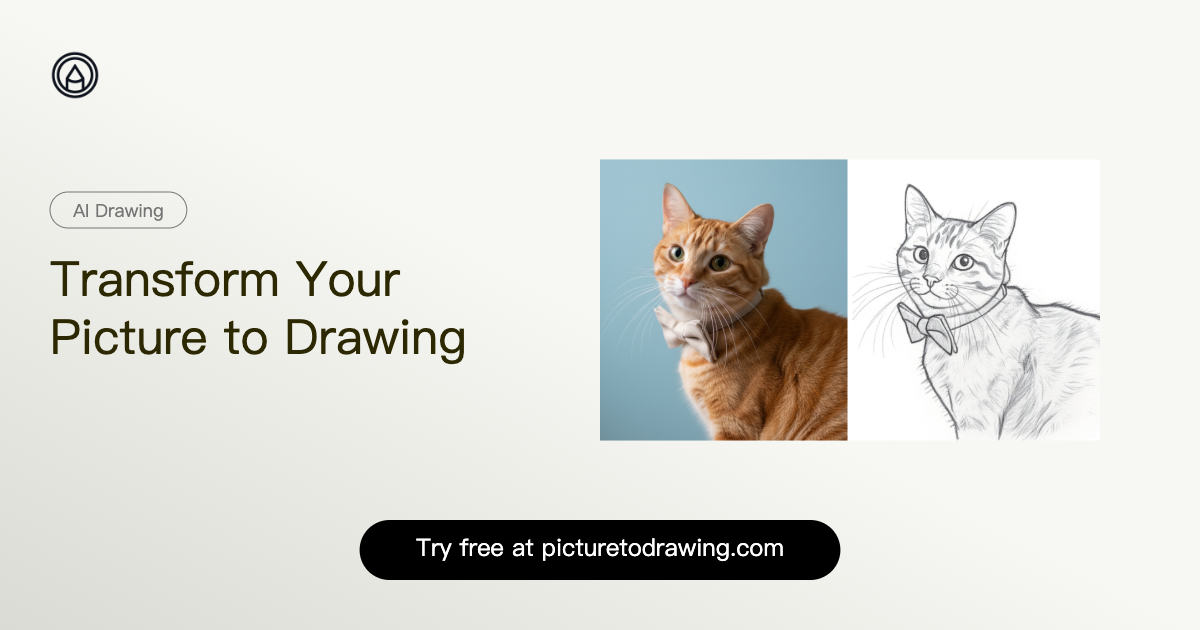
Sketch To is a powerful AI-driven platform designed to effortlessly convert images into stunning sketches and, for advanced users, transform sketches into realistic images. It caters to a broad audience, from casual hobbyists and students to professional artists, designers, and businesses seeking high-quality visual transformations. Key Features AI-Powered Image to Sketch Conversion: Transform photos into beautiful pencil sketches with advanced AI technology. Sketch to Image AI (Pro Model): Convert hand-drawn sketches into incredibly detailed and realistic images. Standard Model with Trial Credits: Get started with fantastic results for personal use, social media, and school projects. Professional Quality Output: Unlock world-class realism, superior detail, and texture with the Pro model for commercial applications. Instant Processing: Leverage powerful cloud-based AI for rapid image and sketch conversions in seconds. High-Resolution Downloads: Obtain creations in high resolution, suitable for print and professional use. Use Cases Sketch To is an invaluable tool for various creative and professional scenarios. Bloggers and content creators can quickly generate unique visual assets for their posts and social media, adding an artistic touch to their narratives. Art students and hobbyists can utilize the standard model to experiment with different artistic styles, convert reference photos for coursework, or simply enjoy transforming personal images into captivating sketches. For digital artists, graphic designers, and marketing professionals, the Professional model offers unparalleled capabilities. It enables the creation of highly detailed and realistic images from initial sketches, streamlining design workflows for client projects, product visualizations, and marketing campaigns. The ability to convert images to sketches also serves as an excellent starting point for further artistic manipulation or for presenting concepts in a distinct, illustrative style. Pricing Information Sketch To operates on a freemium model. New users receive trial credits for the Standard model, allowing them to experience its capabilities without initial cost. For more extensive use and professional features, paid plans are available, including Basic and Pro tiers, which can be billed monthly or annually. The Pro plan offers significant savings when billed annually and includes a commercial license and priority support. User Experience and Support The platform boasts an intuitive and easy-to-use interface, allowing users to transform images in just three simple steps: upload, preview, and download. The drag-to-compare feature provides immediate visual feedback. While the platform is designed for ease of use, Pro users benefit from priority email support, ensuring timely assistance for their critical projects. The FAQ section also addresses common queries, enhancing the self-service experience. Technical Details Sketch To is built upon advanced AI technology, leveraging powerful cloud-based processing infrastructure to deliver instant conversions. This ensures high performance and scalability, handling numerous image transformations efficiently. The platform supports major image formats including JPG, PNG, and WEBP, with uploads up to 10MB, catering to a wide range of user needs. Pros and Cons Pros: Powerful AI for high-quality conversions. User-friendly interface with instant processing. Flexible models (Standard & Pro) for diverse needs. Trial credits available for new users. High-resolution output and commercial license for Pro users. Supports multiple image formats. Cons: Sign-in required to use AI models. Max 10MB file size limit for uploads. Advanced features (Sketch to Image AI) are exclusive to the Pro model. Conclusion Sketch To stands out as a versatile and robust AI sketch generator, offering exceptional image-to-sketch and sketch-to-image conversion capabilities. Its blend of accessibility for casual users and advanced features for professionals makes it an indispensable tool for enhancing creativity and streamlining visual workflows. Explore Sketch To today to transform your images and unleash your artistic potential.

AIDesign ToolsGraphics & Illustration
PixExtender logo

PixExtender

PixExtender is an AI-powered image extender that uncrops and expands images seamlessly without losing quality. It uses context-aware outpainting to match lighting, texture, and depth, creating natural, professional visuals perfect for social media, ads, and e-commerce. Users can extend images up to 4096x4096 pixels with preset or custom aspect ratios.Batch processing of up to 20 images saves time for large projects. The tool works directly in browsers—no software needed—and exports extended images in JPG, PNG, or WEBP formats, fitting smoothly into any design or publishing workflow.Ideal for photographers, marketers, and creators, PixExtender preserves the original image composition while intelligently adding realistic content beyond the edges. This makes it simple to adapt images for multiple platforms without manual editing.

AIDesign ToolsGraphics & Illustration
RSW Sora 2 AI Studio logo

RSW Sora 2 AI Studio

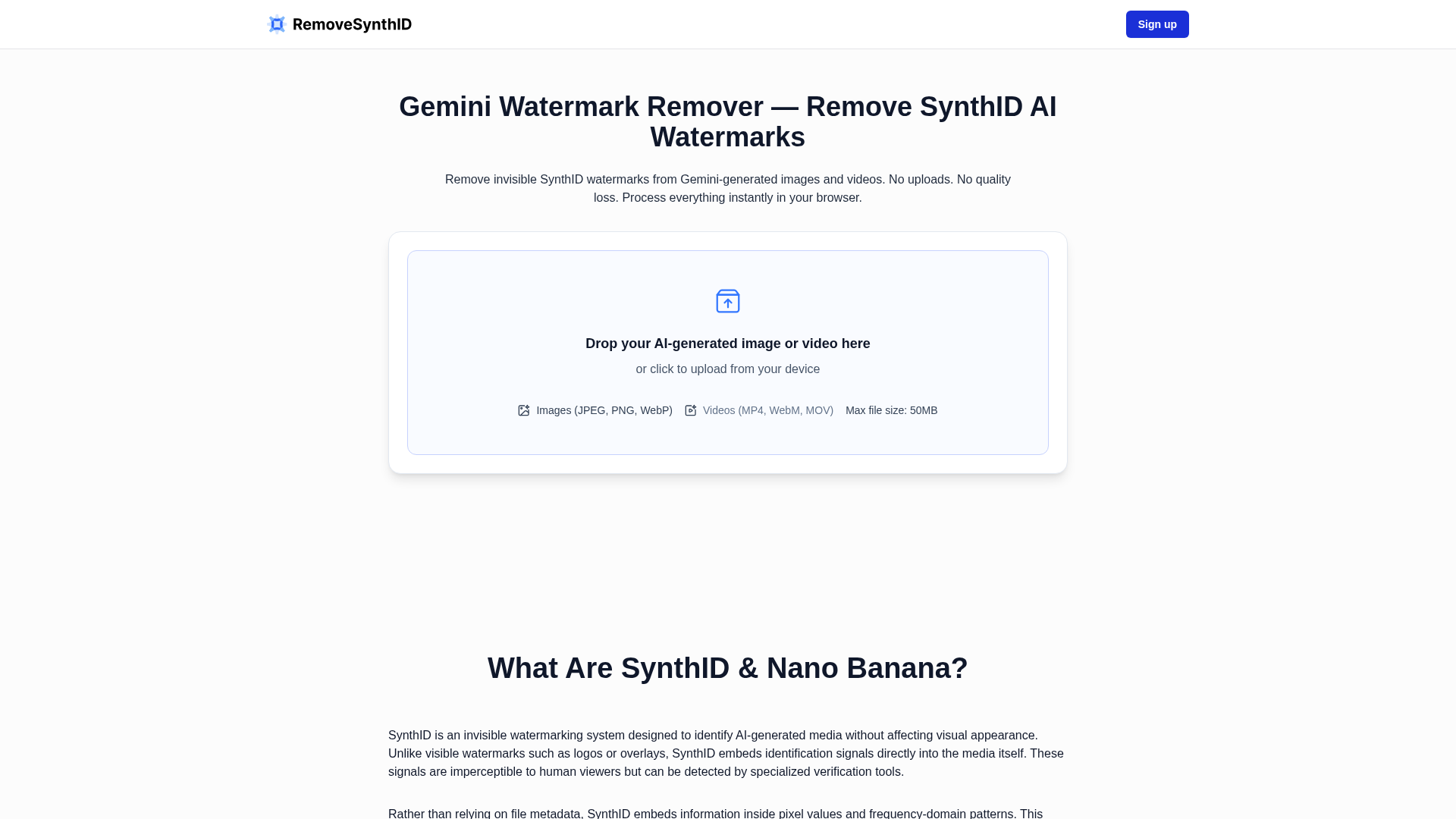
RSW Sora 2 AI Studio: AI-Powered Watermark Removal & Video GenerationRSW Sora 2 AI Studio is a cutting-edge SaaS platform designed to empower creators by offering lightning-fast, AI-powered watermark removal for Sora AI-generated videos, alongside a robust Sora 2 AI video generator. It targets content creators, marketers, and anyone producing or utilizing AI-generated video content who needs to quickly clean videos or generate new ones without technical hurdles.Key FeaturesIndustry-Leading Speed: Achieve 300% efficiency boost with watermark removal in approximately 3 seconds.Zero Quality Loss: AI-driven removal ensures pristine video quality without sacrificing detail.No Upload Required: Simply paste a public Sora share link; the platform fetches the video directly.Free Tier Available: Start with 2 free watermark removals per day to test the service.Sora 2 AI Video Generator: Transform text into high-quality Sora videos with included credits.Private Watermark-Free Generation: Pro plans offer private generation of Sora videos without watermarks.Use CasesThis SAAS is invaluable for creators who frequently work with AI-generated video content. Imagine a digital marketer needing to quickly repurpose a Sora-generated ad without the distracting watermark for various platforms; RSW Sora 2 AI Studio allows them to clean the video in seconds, maintaining professional quality. Similarly, content creators experimenting with new video ideas can leverage the free tier to test concepts and remove watermarks before committing to a full production.Beyond removal, the integrated Sora 2 AI video generator serves as a powerful tool for rapid content creation. Businesses can generate explainer videos, social media clips, or internal communications from text prompts, significantly reducing production time and costs. This platform streamlines the workflow for anyone looking to integrate AI video seamlessly into their content strategy, from individual creators to large production teams.Pricing InformationRSW Sora 2 AI Studio operates on a freemium model. A free tier offers 2 watermark removals per day. Paid plans include "Pro" ($6.6/month yearly) with 100 removals/day and 2000 credits for Sora 2 video generation, and "Pro Unlimited" ($35/month yearly) offering unlimited removals and 10000 credits. One-time credit packages (Basic, Standard, Ultra) are also available for additional video generation, starting from $29.90.User Experience and SupportThe platform is designed for simplicity and speed. Users can remove watermarks in three easy steps: paste a public share link, click "Remove Sora Watermark," and instantly download the clean video—often without requiring signup for basic use. The interface is intuitive, focusing on a hassle-free experience. Support includes a help center, with priority customer support available for Pro and Pro Unlimited subscribers.Technical DetailsAt its core, RSW Sora 2 AI Studio leverages advanced AI-powered APIs for efficient watermark detection and removal, ensuring zero quality degradation. The video generation capabilities are powered by OpenAI's Sora 2 models, enabling high-quality text-to-video transformations. The system processes videos by fetching them directly from public share links, eliminating the need for user uploads and saving bandwidth.Pros and ConsPros:Extremely fast watermark removal (3 seconds average).Maintains original video quality.Convenient "no upload" link-based processing.Includes a free tier for accessibility.Integrated Sora 2 AI video generation.Privacy-focused (videos not stored).Simple and intuitive user interface.Cons:Free tier has daily removal limits.Advanced features and unlimited use require a subscription."Add Character" and "Storyboard models" are currently "Coming Soon".Relies on public share links, not direct file uploads.ConclusionRSW Sora 2 AI Studio provides an essential, high-efficiency solution for creators working with Sora AI videos, offering both rapid watermark removal and powerful video generation capabilities. Its user-friendly design and robust AI technology make it an indispensable tool for streamlining content workflows. Explore RSW Sora 2 AI Studio today to elevate your AI video production.

AIMachine LearningGraphics & Illustration
FLUX 2 - AI Image Generator for Text & Consistency logo

FLUX 2 - AI Image Generator for Text & Consistency

Flux 2 Image Generator is an advanced AI-powered SaaS designed to create photorealistic images with unparalleled text rendering and character consistency. It empowers creative professionals and marketing teams to generate high-quality visual content efficiently and reliably. Targeting professional designers, marketing & brand teams, content production studios, product photographers, digital artists, and advertising agencies, Flux 2 streamlines complex visual creation workflows. Key Features Multi-Reference Support: Reference up to 8 images simultaneously for best-in-class character, product, or style consistency. Advanced Text Rendering: Reliably generate complex typography, infographics, memes, and UI mockups with legible fine text. Character & Style Consistency: Preserve unique elements, facial features, and styling details across multiple scenes and environments. 4MP Resolution: Produce high-resolution images up to 4 megapixels for exceptional output versatility. Image Detail & Photorealism: Achieve greater detail, sharper textures, and stable lighting suitable for professional product shots and photography. Enhanced Prompt Following: Improved adherence to complex, structured instructions and compositional constraints for predictable results. Use Cases Flux 2 excels in various professional scenarios. Marketing teams can place products in any context, adapting lighting and physics for realistic visuals, or generate cohesive visual campaigns with consistent character identity across multiple scenes. Product photographers can create photorealistic product shots with stable lighting and sharp textures, generating multiple variants while maintaining visual consistency. The platform also supports background swaps, photo restoration, and virtual outfit previews, making it a versatile tool for e-commerce and creative projects. For content production studios and digital artists, Flux 2 enables the creation of infographics, UI mockups, and complex typography with reliable legibility. Its world knowledge integration ensures more coherent scenes with realistic physics, making it ideal for developing character-consistent artwork across diverse environments and compositions. Pricing Information Flux 2 operates on a paid, credit-based model, with individual generations costing credits (e.g., 4 credits per generation). Specific subscription tiers or detailed pricing plans are available via the "View Pricing" section on their website. No free trial or freemium option is explicitly mentioned in the provided content. User Experience and Support The platform is designed for ease of use, guiding users through a simple three-step process: choose mode, write prompt, and preview & download. This straightforward workflow aims to deliver production-ready output in minutes. While extensive documentation isn't detailed, a comprehensive FAQ section is available to address common user queries and provide guidance. Technical Details Flux 2 is powered by next-generation AI and advanced machine learning models, integrating world knowledge for enhanced realism and logical scene generation. Specific programming languages or frameworks are not disclosed, but the underlying technology focuses on delivering high-fidelity image generation and sophisticated prompt interpretation. Pros and Cons Pros: Industry-leading multi-reference support (up to 8 images), perfect and legible text rendering, strong character and style consistency, high 4MP resolution, exceptional photorealism and detail, reliable prompt adherence, integrated world knowledge for realistic scenes, significant time savings in production workflows. Cons: Specific pricing tiers are not detailed in the provided content, no explicit free trial or freemium option mentioned, potential learning curve for mastering complex multi-part prompts (though prompt adherence is a strength). Conclusion Flux 2 Image Generator offers a powerful and reliable solution for professionals seeking to transform their creative workflows with AI. Its unique combination of multi-reference support, advanced text rendering, and photorealistic output makes it an invaluable tool for generating production-ready visual assets. Explore Flux 2 today to experience industry-leading AI image generation.

AIDesign ToolsGraphics & Illustration
Shrinkpad logo

Shrinkpad

Shrinkpad is a powerful native desktop application designed for macOS, enabling creatives, designers, and developers to batch compress images and videos efficiently. It's built to save bandwidth, disk space, and valuable time by optimizing digital assets directly on your machine. Key Features Smart Compression: Automatically analyzes visual complexity to apply optimal compression ratios without quality loss. Unlimited Batch Processing: Process thousands of images and videos in a single queue without crashing, unlike web-based alternatives. Folder Mode: Simply drag and drop an entire folder to automatically detect and add all supported media files for compression. Privacy First: All processing occurs 100% locally on your Mac, ensuring your sensitive assets never leave your device. Lightning Fast: Optimized for Apple Silicon, delivering multi-threaded compression for rapid processing of large batches. Workflow Automation: Includes auto-renaming, subfolder support, and metadata stripping to streamline asset management. Use Cases Shrinkpad is ideal for anyone needing to optimize large volumes of media files. Web developers and designers can significantly reduce website load times and improve LCP scores by compressing hero images, product shots, and video backgrounds. Mobile app developers can shrink app bundle sizes, leading to faster downloads and installations for users. Photographers and videographers can reclaim vast amounts of disk space by compressing their extensive media libraries, making archiving and sharing much more manageable. It also eliminates the tedious manual export and optimization steps from design tools like Figma or Photoshop, allowing users to export everything at high resolution and let Shrinkpad handle the bulk optimization and renaming. Pricing Information Shrinkpad operates on a freemium model with a one-time payment for premium features. The Free Starter tier offers essential tools, allowing compression of up to 10 files per batch for common formats (JPG, PNG) with a 1GB file size limit. For unlimited batch processing, all supported formats (including RAW, HEIC, WEBP, MP4, MOV), and no file size limits, users can opt for the Personal license at $14 (1 device) or the Team license at $35 (up to 10 devices with priority support). All paid licenses come with a 7-day money-back guarantee. User Experience and Support Designed as a native macOS application, Shrinkpad offers an intuitive drag-and-drop interface, particularly with its "Folder Mode" for effortless bulk imports. Users have fine-grained control over compression settings, including quality sliders, lossy/lossless options, maximum dimensions, and custom output formats and naming conventions, which can be saved as presets. Support is readily available via email at support@shrinkpad.app, with Team license holders receiving priority assistance. Technical Details Shrinkpad is a native macOS application, requiring macOS 13 Ventura or newer. It is fully optimized for both Apple Silicon (M1, M2, M3, M4) and Intel Macs, leveraging multi-threaded compression for maximum performance. The app supports a comprehensive range of image formats including JPEG, PNG, WebP, HEIC, TIFF, GIF, BMP, and numerous RAW formats (CR2, NEF, ARW, DNG, etc.), alongside major video formats like MP4, MOV, M4V, AVI, and MKV. All processing is performed locally on the user's device, ensuring data privacy and security. Pros and Cons Pros: Native macOS performance (Apple Silicon optimized), complete privacy (local processing), unlimited batching (paid tiers), extensive format support (including RAW), one-time payment model, efficient Folder Mode, fine-grained control over settings. Cons: Exclusively for macOS (no Windows/Linux support), free tier has batch and format limitations, advanced settings might require a slight learning curve for new users. Conclusion Shrinkpad offers an indispensable solution for macOS users seeking to optimize their digital assets without compromising quality or privacy. Its powerful batch processing capabilities, combined with a user-friendly interface and a one-time purchase model, make it a valuable tool for creatives and professionals alike. Explore Shrinkpad today to reclaim disk space and boost your workflow efficiency.

Design ToolsDeveloper ToolsGraphics & Illustration
Seedance 2.0 video studio logo

Seedance 2.0 video studio

Seedance 2.0: The Breakthrough AI Video GeneratorSeedance 2.0, developed by ByteDance, is a cutting-edge AI video generator designed to revolutionize content creation. It boasts an industry-leading 90%+ usable output rate, allowing users to effortlessly combine text, images, video clips, and audio in a single prompt to produce stunning 2K AI videos with native audio-video synchronization, eliminating the need for post-production.This powerful SaaS solution caters to a wide range of professionals and creators, including solo artists, enterprise teams, video production directors, social media managers, indie filmmakers, e-commerce sellers, and digital marketing agencies, all seeking to streamline and enhance their video production workflows.Key Features90%+ Usable Output Rate: Consistently delivers production-ready videos, cutting costs by up to 80% compared to previous AI tools.Native Audio-Video Synchronization: Generates audio and video jointly, ensuring precise lip-sync, context-aware ambient sounds, and adaptive background music.Quad-Modal Creative Input: Accepts up to 12 files simultaneously, including text prompts, 9 images, 3 video clips, and 3 audio tracks, for comprehensive creative control.2K Native Resolution Output: Produces sharp, high-quality video at 2K resolution, suitable for social media, advertising, and commercial distribution.Auto Storyboarding & Smart Camera System: Automatically breaks stories into professionally framed shots and generates dynamic camera movements, simplifying complex video direction.Multi-Shot Narrative Consistency: Maintains character appearance, clothing, and features across multiple shots, crucial for short films and series content.Use CasesSeedance 2.0 addresses the biggest pain points in AI video creation, such as unpredictable output quality and fragmented production workflows. It empowers users to transform still images into cinematic video clips with stunning motion, visualize any text prompt into dynamic scenes, and create professional-grade short films or branded storytelling content with unparalleled consistency.From generating product demo videos for e-commerce sellers to producing engaging educational content and rapid prototyping for UX motion designers, Seedance 2.0 significantly accelerates content creation. It enables ad campaign managers to test 20 concepts in the time it once took for one, and corporate video producers to create internal communications and training videos in-house at a fraction of the traditional cost.Pricing InformationSeedance 2.0 offers a flexible pricing structure with monthly subscription plans: Basic ($11.99/month), Pro ($23.99/month), Ultra ($63.99/month), and Max ($159.99/month), each providing varying credit allowances and support levels. Additionally, users can purchase credit packages (Trial, Basic, Standard, Premium) that never expire, offering further flexibility for their video generation needs.User Experience and SupportThe platform is designed for ease of use, featuring an intuitive interface that allows users to combine diverse inputs into a single prompt. Advanced capabilities like auto storyboarding and a smart camera system simplify complex video production tasks. Support varies by plan, ranging from basic customer support to priority responses within 4 hours for Max plan users, ensuring assistance is available when needed.Technical DetailsWhile specific programming languages or frameworks are not detailed, Seedance 2.0 leverages advanced AI models to process quad-modal inputs and generate high-resolution video with native audio-video synchronization, indicating sophisticated machine learning and video processing technologies at its core.Pros and ConsPros: Exceptional 90%+ usable output rate; seamless native audio-video synchronization; versatile quad-modal input; superior 2K resolution; robust multi-shot consistency; automated storyboarding and camera control; enterprise API for scalability; significant cost and time savings.Cons: No explicit free tier for subscriptions (though a trial credit package exists); advanced features might require some learning; specific technical stack not disclosed.ConclusionSeedance 2.0 stands out as a leading AI video generator, offering unparalleled quality, efficiency, and creative control. Its ability to deliver production-ready 2K videos with perfect audio-video sync and multi-shot consistency makes it an indispensable tool for anyone looking to produce professional video content at scale. Explore Seedance 2.0 today to transform your video creation process and unlock new creative possibilities.

PromotedAISaaSMachine Learning
Nano Banana Pro logo

Nano Banana Pro

Nano Banana Pro is a revolutionary AI-powered image generation and editing platform that delivers consistent character editing and scene preservation with superior performance. Leveraging advanced AI models, it transforms creative workflows for digital artists, content creators, and marketing professionals by enabling image creation and modification through simple text and image prompts. Key Features Consistent Character & Scene Preservation: Maintains unique elements across multiple scenes with unmatched accuracy. In-Context Image Generation: Seamlessly combines text and image inputs for visual concept extraction and modification. Advanced AI Models: Powered by Gemini 2.5 Flash (Nano Banana) and Gemini 3 Pro (Nano Banana Pro) for enhanced capabilities. 4K Ultra Resolution Output: Supports up to 4K resolution with cinematic controls for professional-grade visuals (Pro). Multi-Image Reference & Brand Consistency: Accepts up to 14 reference images to maintain consistency across assets (Pro). Clear Text Generation: Produces sharp, legible text for impactful posters and diagrams. Interactive Speed Technology: Delivers results up to 8x faster than leading models. Use Cases Nano Banana Pro significantly boosts efficiency for diverse creative tasks. E-commerce businesses can generate stunning product promotional images, drastically cutting production costs and accelerating campaign launches. Filmmakers and animators can utilize it for movie storyboard generation, creating coherent videos from initial frames while maintaining character consistency. The platform also excels at transforming creative ideas into professional-quality stickers instantly. For marketing agencies and brands, Nano Banana Pro is ideal for producing high-resolution advertising materials, cross-language market assets, educational charts, and technical documentation, effectively replacing traditional photo editing software with intuitive text prompts. Pricing Information Nano Banana Pro offers flexible Starter, Pro, and Premium plans, available monthly or yearly with a limited-time 50% discount on annual subscriptions. A freemium option provides 20 free credits and access to the Pro model upon sign-up, requiring no credit card, allowing users to experience 4K resolution and advanced features. All paid plans include commercial licenses. User Experience and Support The intuitive "AI Creation Workbench" allows users to easily transform imagination into beautiful images using simple text prompts and optional reference images, making it accessible even without professional photo editing expertise. Nano Banana provides standard customer support, with priority support and dedicated account managers available for Pro and Premium subscribers. Support inquiries can be directed to support@nanobanana.org. Technical Details Built upon Google's Gemini AI models (Gemini 2.5 Flash and Gemini 3 Pro), Nano Banana employs a Multimodal Flow Model for sophisticated in-context image generation. Its Interactive Speed Technology ensures minimal latency and rapid processing for both image generation and editing tasks, enhancing workflow efficiency. Pros and Cons Pros: Superior performance and speed (up to 8x faster); exceptional character and scene consistency; advanced iterative editing; high-resolution 4K output with cinematic controls (Pro); integrates real-world knowledge (Pro); clear text generation; user-friendly interface; cost-effective for rapid prototyping. Cons: Standard Nano Banana has limitations in complex text and 4K output; Pro version may have slightly higher costs/quota consumption; advanced controls might require a minor learning curve. Conclusion Nano Banana Pro redefines AI image generation and editing, offering unparalleled performance, consistency, and creative control. Its seamless integration of text and image prompts, combined with advanced features like 4K output and real-world knowledge, makes it an indispensable tool for elevating visual content. Explore Nano Banana Pro today and unlock your full creative potential.

AIDesign ToolsGraphics & Illustration
iBulkRemover logo

iBulkRemover

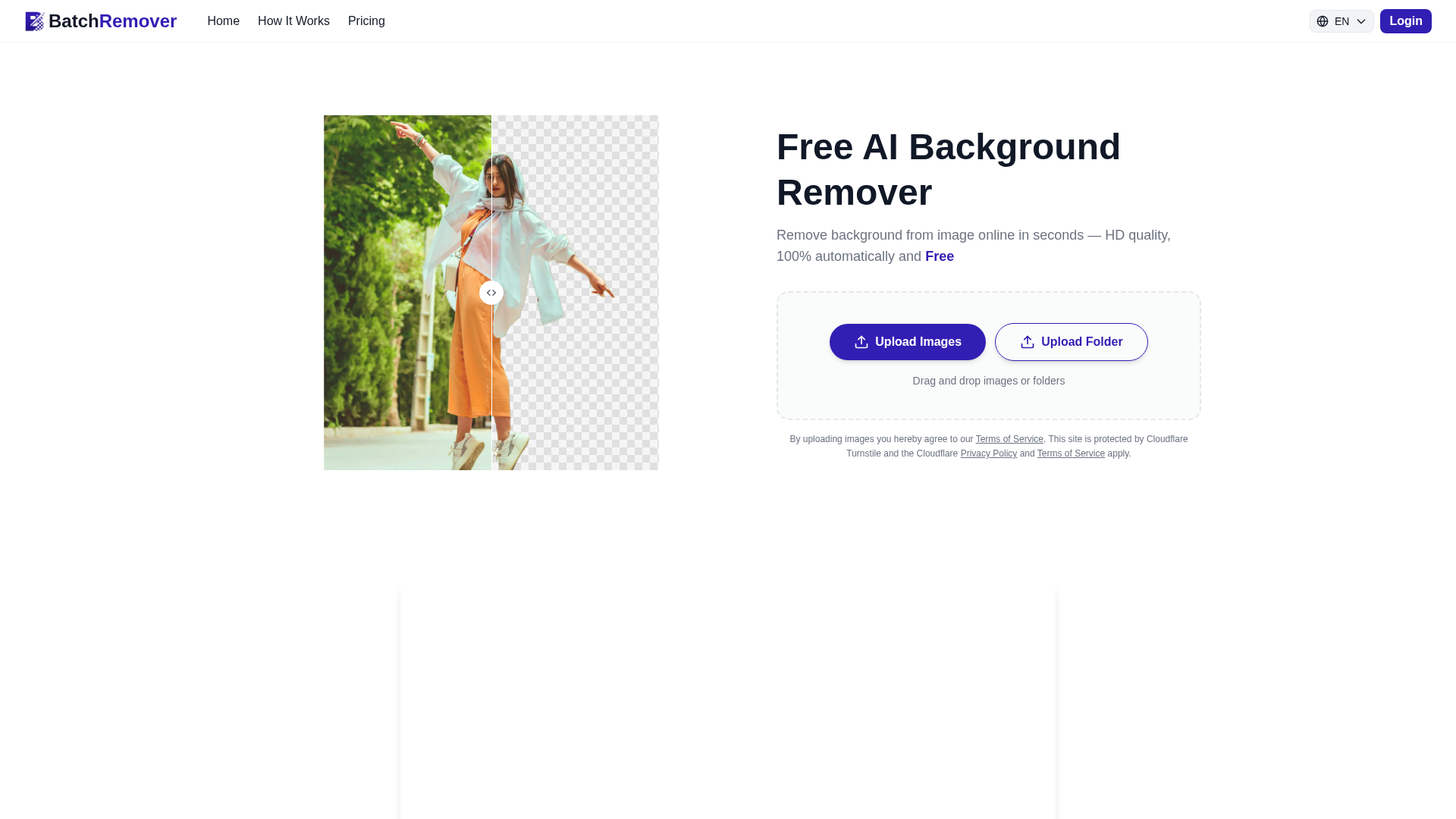
IntroductioniBulkRemover is an advanced AI-powered SaaS platform designed to instantly remove backgrounds from multiple images simultaneously. It offers a highly efficient solution for processing hundreds of photos in batch, delivering professional results with transparent backgrounds ready for any project.Target AudienceThis tool is ideal for e-commerce sellers, professional designers, marketing agencies, photographers, content creators, brands, and web developers.Key FeaturesAI-Powered Precision: Utilizes advanced AI algorithms to accurately detect and remove backgrounds, preserving fine details like hair and complex edges.True Batch Processing: Processes up to 100 images simultaneously, significantly saving time compared to single-image tools.100% No Watermarks: Delivers completely watermark-free results, even for free users, ensuring professional-grade output.Online & Browser-Based: No software downloads or installations required; accessible directly from any web browser on desktop, tablet, or mobile.Supports Multiple Formats: Compatible with common image formats like JPG, PNG, and WEBP for upload, outputting in PNG with transparency.VIP Generation Speed & Cloud Storage: Paid plans offer faster processing and 30-day cloud storage.Use CasesiBulkRemover transforms product photography workflows for e-commerce sellers, allowing them to process entire product catalogs in minutes, creating clean product images ready for online stores. Professional designers and graphic artists can enhance their projects by quickly preparing images with transparent backgrounds for logos, graphics, and illustrations.Marketing and advertising agencies benefit by efficiently processing hundreds of images for digital campaigns and social media content, producing clean visuals that highlight products. Photographers and content creators streamline editing for portraits, events, and social media, saving hours of manual work.Pricing InformationiBulkRemover operates on a freemium model, offering a free tier with credits to remove backgrounds from multiple images without watermarks. For higher volumes and additional benefits, subscription plans are available: "Basic" at $15.90/month for 1800 credits and "Pro" at $39.90/month for 5000 credits, both offering VIP generation speed and 30-day cloud storage.User Experience and SupportThe platform boasts an intuitive and user-friendly interface, making it accessible for anyone to remove backgrounds from multiple images without technical skills. Users simply upload images, click "Generate," and download results. Support is available via email at [email protected].Technical DetailsiBulkRemover leverages cutting-edge AI and machine learning engines to analyze images pixel by pixel, intelligently distinguishing foreground subjects from backgrounds. It supports common image formats like JPG, PNG, and WEBP for input and outputs high-quality PNGs with transparent backgrounds, ensuring image quality is preserved. All processing is cloud-based.Pros and ConsPros:100% watermark-free results, even for free users.True batch processing for up to 100 images simultaneously.Completely online and accessible from any device, no software required.AI-powered precision handles complex details like hair and transparent objects.Fast processing times, typically completing hundreds of images within minutes.Cons:No automatic "undo" or "reset" feature for background recovery (though planned).Maximum of 100 images per batch might be limiting for extremely large catalogs.Relies on internet connectivity for processing.ConclusioniBulkRemover offers a powerful, efficient, and user-friendly solution for bulk background removal, driven by advanced AI technology. Its ability to deliver watermark-free, high-quality results in batch makes it an invaluable tool for professionals and businesses looking to streamline their image processing workflows. Explore iBulkRemover today to transform your visual content creation.

AIGraphics & IllustrationDesign Tools
Fiddl.art logo

Fiddl.art

Fiddl.art is a creative platform for high quality AI images and videos using models like Nano Banana Pro, Flux 2 and Sora. Magic Mirror gives fast guided results. A circular points economy lets you buy or earn points through missions, uploads and community activity. Others can unlock your creations so you earn more over time. Public galleries offer inspiration and learning. No subscription. Pay only for what you use.

AIGraphics & IllustrationMarketing Tools
Kirkify AI logo

Kirkify AI

Kirkify AI is the premier AI-powered face swap meme generator designed to instantly create viral "Kirkified" content. Leveraging advanced face-swap technology, it seamlessly places Charlie Kirk's iconic face onto any reaction image, GIF, or viral moment, delivering a distinctive neon-glitch aesthetic.This platform is ideal for TikTok creators, Twitter memers, Reddit communities, Discord server managers, and anyone aiming to generate humorous, satirical content with high virality potential.Key Features:Instant Kirkification: Transforms any image into a Kirkified meme in seconds with one click.Authentic Neon-Glitch Aesthetic: Automatically applies neon framing, glitch effects, and color distortion for a recognizable look.Multi-Platform Export: Optimizes content for TikTok (9:16), Instagram (1:1), YouTube (16:9), and other platforms.GIF & Video Face Swap Support: Handles animated content with frame-by-frame face tracking for smooth animations.Advanced Face Detection: Sophisticated facial recognition ensures accurate swaps across various angles and lighting.Batch Processing: Create multiple Kirkified images simultaneously for meme series or compilations.Use Cases:Kirkify AI empowers users to rapidly respond to trending topics and create original satirical content. By "Kirkifying" reaction photos, classic meme templates, or personal images, creators can generate timely and engaging posts for social media platforms like TikTok, Twitter, and Reddit, maximizing their reach and interaction. The tool's ability to process animated content means users can transform viral video clips or animated reaction GIFs into Kirkified versions, maintaining seamless face alignment throughout the motion. This extends its utility beyond static images, allowing for dynamic and highly shareable content. Furthermore, Kirkify AI fosters community engagement within platforms like Discord and Reddit by enabling members to easily create and share custom, humorous content, reinforcing shared inside jokes and community identity with its unique aesthetic.Pricing Information:Kirkify AI operates on a freemium model. Users can "Start Kirkifying Free" with outputs including a Kirkify watermark for attribution. Premium users have the option to remove watermarks for clean exports, and custom image uploads may incur a credit cost.User Experience and Support:The platform boasts a user-friendly interface, requiring no technical skills. Users can simply drag and drop images, click "Kirkify," and download their creations in three easy steps. The AI handles face detection, alignment, and blending automatically. While direct support channels aren't explicitly detailed, an extensive "Frequently Asked Questions" section is available to assist users.Technical Details:Kirkify AI is powered by advanced face-swap technology and sophisticated facial recognition algorithms. Its optimized processing pipeline ensures real-time generation of Kirkified results, making it a robust AI-driven tool for instant content creation.Pros and Cons:Pros: Instant meme generation, authentic and recognizable aesthetic, versatile multi-platform export, supports animated content, highly accurate face detection, efficient batch processing, intuitive user interface.Cons: Free tier includes watermark, custom uploads may require credits, specific programming languages or frameworks are not disclosed.Conclusion:Kirkify AI provides an unparalleled solution for creating viral, satirical face-swap memes with its distinctive neon-glitch aesthetic. Its speed, ease of use, and comprehensive features make it an indispensable tool for content creators aiming to dominate meme culture. Explore Kirkify AI today and start generating your next viral masterpiece.

AIMarketing ToolsGraphics & Illustration
Nano Banana Pro logo

Nano Banana Pro

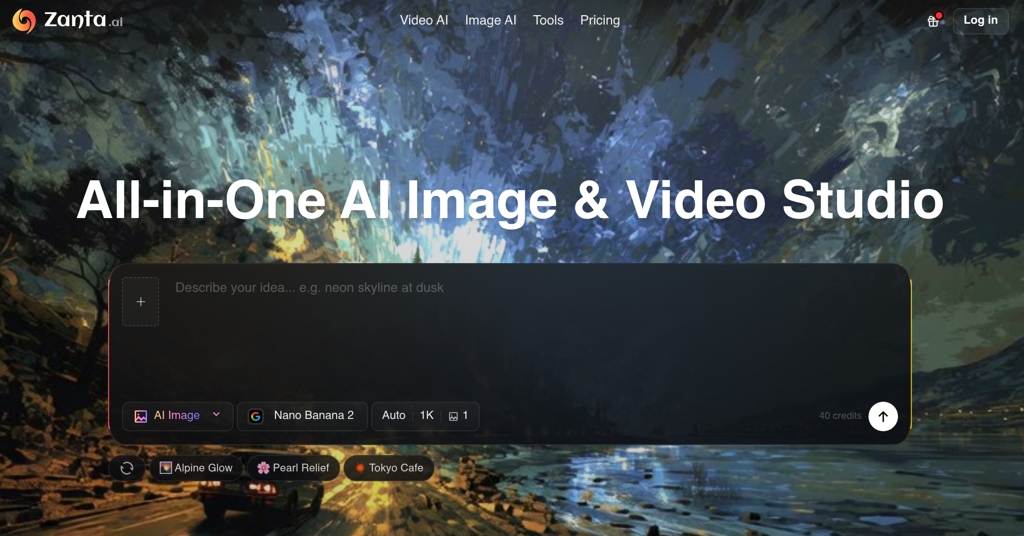
Nano Banana Pro is a cutting-edge AI image generator designed for professional creators, designers, and developers. Leveraging the power of Gemini 3 Pro image preview and Nano Banana 2, it delivers stunning 4K-ready images with unparalleled character consistency and 15% faster generation speeds. This versatile platform supports both Text-to-Image generation and advanced Image-to-Image editing, making it an indispensable tool for transforming creative visions into high-quality visuals. Key Features 4K High Resolution: Generate professional-grade images perfect for printing and large displays. Perfect Character Consistency: Maintain character features across multiple images, ideal for series and storyboards. Image-to-Image Editing: Transform existing photos into artwork or modify scenes with AI prompts. Enhanced Text Rendering: Produce high-fidelity text in images for logos, posters, and typography. 11 Aspect Ratios: Support for formats from 1:1 to 21:9, adapting to various content needs. 15% Faster Generation: Optimized architecture delivers results in 3-10 seconds. Use Cases Nano Banana Pro is perfect for a wide array of creative projects. Character designers can ensure consistent visual identities across entire series, while illustrators can quickly generate storyboards. Marketing professionals can create stunning 4K visuals for campaigns, social media, and presentations, ensuring brand consistency and high impact. Furthermore, its Image-to-Image editing capabilities allow users to reimagine existing photographs, turning them into unique art pieces or adding new elements seamlessly. From generating intricate logos with perfect text to crafting detailed scenes for game development, Nano Banana Pro streamlines the creative workflow for both individuals and large studios. Pricing Information Nano Banana Pro operates on a credit-based system with flexible subscription plans: Basic, Pro, and Max, available monthly or annually. New users receive 8 free credits to explore the platform, and a special New User Pack offers 80 credits for $4.99. Annual plans currently offer significant savings of up to 50% off, making it an affordable solution for continuous creative output. User Experience and Support The platform boasts a straightforward workflow, guiding users through simple steps: choosing a mode (Text-to-Image or Image-to-Image), uploading images (if applicable), entering a detailed prompt, and generating/downloading results. Nano Banana Pro is trusted by over 10,000 creators, with an active community encouraged to share work using #NanoBananaPro. Official video introductions and user success stories provide ample guidance and inspiration. Technical Details At its core, Nano Banana Pro is powered by Nano Banana 2 and leverages the advanced capabilities of Gemini 3 Pro image preview technology. It features an optimized architecture for superior speed, multi-image understanding for character consistency, an advanced text engine for high-fidelity rendering, and sophisticated upscaling technology for 4K resolution. All generated images include built-in SynthID watermarking for authenticity. Pros and Cons Pros: Exceptional 4K image quality; industry-leading character consistency; rapid image generation; comprehensive Text-to-Image and Image-to-Image functionalities; superior text rendering; wide range of aspect ratios; powered by cutting-edge AI models. Cons: Credit-based system might require careful management; image upload limit of 10MB per image for Image-to-Image; no explicit free tier beyond initial credits. Conclusion Nano Banana Pro stands out as a powerful and efficient AI image generator, offering professional-grade results with remarkable speed and consistency. Its advanced features and user-friendly interface make it an ideal choice for anyone looking to elevate their visual content. Explore Nano Banana Pro today and unlock unlimited creative possibilities.

AIDesign ToolsGraphics & Illustration
RansomLeak Security Training logo

RansomLeak Security Training

Security awareness training where employees learn by getting phished, not by watching a video about it. Interactive 3D simulations drop people into realistic cyberattack scenarios. They make decisions, see the consequences, and actually remember what to do next time. SCORM-ready for any LMS or standalone cloud deployment. Built by the Kontra AppSec team.

PromotedSecuritySaaSEducation Tech
Nano Banana Pro AI logo

Nano Banana Pro AI

Nano Banana Pro is an advanced AI-powered image editor and generator designed to transform your creative visions into stunning visuals with unparalleled ease. Leveraging a sophisticated AI model, it offers consistent character editing and scene preservation, setting a new standard in AI image manipulation. It targets a wide audience, from professional designers and digital artists to content creators and hobbyists, enabling anyone to achieve professional-grade results through simple text prompts. Key Features Consistent Character Editing & Scene Preservation: Maintains character integrity and scene context across edits, surpassing competitors. Smart Object Addition: Seamlessly integrate realistic objects, people, or elements with intelligent positioning. Background Transformation: Effortlessly replace or modify backgrounds while preserving subject quality and natural lighting. Style Transfer Effects: Apply artistic styles, filters, or create aesthetic variations to your photography. Intelligent Color Correction: Automatically adjust lighting, contrast, and color balance to enhance image quality. Detail Enhancement: Sharpen details, remove noise, and enhance specific elements without compromising quality. Use Cases Nano Banana Pro excels in various creative scenarios. Users can easily convert a person's photo into a collectible action figure, complete with packaging and a display stand, or transform it into an anime figure. It's ideal for artists creating unique merchandise or personalized gifts. For professional image editing, it allows for complex composite results by adding realistic objects or overhauling backgrounds. Marketing professionals can use style transfer for consistent brand aesthetics, while photographers can leverage intelligent color correction and detail enhancement to perfect their shots. Pricing Information Nano Banana Pro operates on a freemium model. New users receive 3 free attempts daily. Premium plans offer unlimited generations, higher resolutions, priority processing, and additional advanced features for power users and professionals. User Experience and Support The platform boasts an intuitive user experience, allowing users to transform images with AI-powered editing through a simple prompt engine. Support is available through a comprehensive FAQ section, a Help Center, and direct Email Support. Technical Details Nano Banana Pro is built upon an advanced AI model, specifically engineered to deliver consistent and high-quality image generation and editing. Its capabilities highlight a robust backend infrastructure capable of ultra-fast AI creations. Pros and Cons Pros: Advanced AI model for superior consistency. User-friendly interface with simple text prompts. Comprehensive suite of professional image editing features. Fast image generation times with commercial use rights. Freemium option available. Cons: Limited free generations per day. Specific technical stack details are not publicly disclosed. Conclusion Nano Banana Pro stands out as a powerful and versatile AI image editor and generator, empowering creators to bring their ideas to life with professional quality and unprecedented ease. Its advanced features and intuitive design make it an indispensable tool for anyone looking to elevate their digital imagery. Start creating with Nano Banana Pro today.

AIDesign ToolsGraphics & Illustration
Vailo Ai logo

Vailo Ai

Vailo.ai is an AI-powered creative studio designed to make high-quality content creation fast and accessible. Using advanced generative models, it transforms text prompts and reference images into videos, animations, and stunning visuals with ease. The platform also includes features like voice synthesis, smart video enhancement, and upscaling, allowing creators, marketers, filmmakers, and artists to produce professional-looking content without extensive technical skills. Whether you’re crafting social media clips, marketing campaigns, storyboards, or experimental art projects, Vailo.ai streamlines the entire creative process, making it simple to bring ideas to life in a visually compelling way.

AIGraphics & IllustrationSaaS
PixExact logo

PixExact

PixExact is an AI image generator that creates visuals at your exact pixel dimensions—set width and height up to 4096×4096 and download watermark‑free, commercially licensed results.​Generate production‑ready images to the precise size you need, from 1200×628 ads to 2000×2000 product photos, without cropping or quality loss.​Skip aspect‑ratio guesswork: enter exact pixels, keep perfect composition, and export platform‑ready assets in one step.

AIDesign ToolsGraphics & Illustration
AI Photo Assistant logo

AI Photo Assistant

AI Photo Assistant is an innovative SaaS platform leveraging advanced artificial intelligence to simplify photo editing for everyone. It transforms ordinary photos into stunning, professional-quality images in seconds, making high-end editing accessible without requiring any prior expertise. This tool is ideal for social media creators, small business owners, amateur photographers, and anyone looking to enhance their visuals effortlessly. Key Features One-Click Enhancement: Automatically perfects lighting, color, and composition. Smart Auto-Enhancement: AI analyzes and applies ideal adjustments to brightness, contrast, and saturation. Professional Portrait Enhancement: Specialized tools for perfect selfie transformations. Batch Editing Feature: Efficiently process multiple photos at once (NEW feature). No Learning Curve: Achieve professional results without complex software knowledge. Lightning Fast Processing: Transform photos in seconds with optimized AI. Use Cases Social media creators can drastically cut down editing time, producing consistent, high-quality visuals for their posts and stories in minutes instead of hours. The AI Photo Assistant ensures every image looks polished and engaging, helping to boost online presence and audience interaction. Small business owners can utilize the platform to create studio-quality product photos without the need for expensive photographers or equipment. This allows them to showcase their products professionally on e-commerce sites and marketing materials, directly impacting sales and brand perception. Amateur photographers can elevate their craft by easily enhancing their shots, understanding what makes a photo look great through the AI's intelligent adjustments. It serves as a powerful tool for learning and achieving results previously thought impossible without extensive training. Pricing Information AI Photo Assistant offers a flexible pricing model, starting with a "Free" plan limited to 5 photos per month with basic features and standard resolution. The "Pro" plan is available at $9.99/month for 100 photos, offering all editing features and HD exports. For power users, the "Unlimited" plan at $19.99/month provides unlimited photos, highest resolution, batch processing, and advanced features. All paid plans include a 30-day money-back guarantee, and no credit card is required for the free trial. User Experience and Support The platform boasts an intuitive and user-friendly interface, designed for simplicity. Users can upload photos, choose enhancements, and download their results in just three steps, requiring no prior photo editing knowledge. Support is available via email for free users, with priority support for Pro and 24/7 priority support for Unlimited plan subscribers. A comprehensive FAQ section is also provided to address common queries. Technical Details AI Photo Assistant is built on cutting-edge technologies including AI Vision, Neural Networks, Machine Learning, Cloud Computing, and Image Processing. These advanced algorithms enable the platform to intelligently analyze and apply precise adjustments to photos automatically, ensuring professional-grade results with speed and efficiency. Pros and Cons Pros: Effortless, one-click photo enhancement. No prior photo editing skills required. Significantly speeds up photo editing workflow. Delivers professional, studio-quality results. Flexible pricing with a free tier and money-back guarantee. New batch editing feature for efficiency. Cons: Free plan has significant limitations (5 photos/month). Reliance on AI might limit creative control for advanced users. Specific customization options beyond AI suggestions are not explicitly detailed. Pricing can add up for very high-volume users if not on the unlimited plan. Conclusion AI Photo Assistant offers an unparalleled solution for anyone seeking to transform their photos with ease and achieve professional-grade results. Its AI-powered simplicity makes high-quality photo editing accessible to all, saving time and enhancing visual content. Start creating perfect photos today with their free trial and experience the future of photo editing.

AIDesign ToolsGraphics & Illustration
PreviousPage 1 of 3Next