
Beaver Tools
Beaver Tools
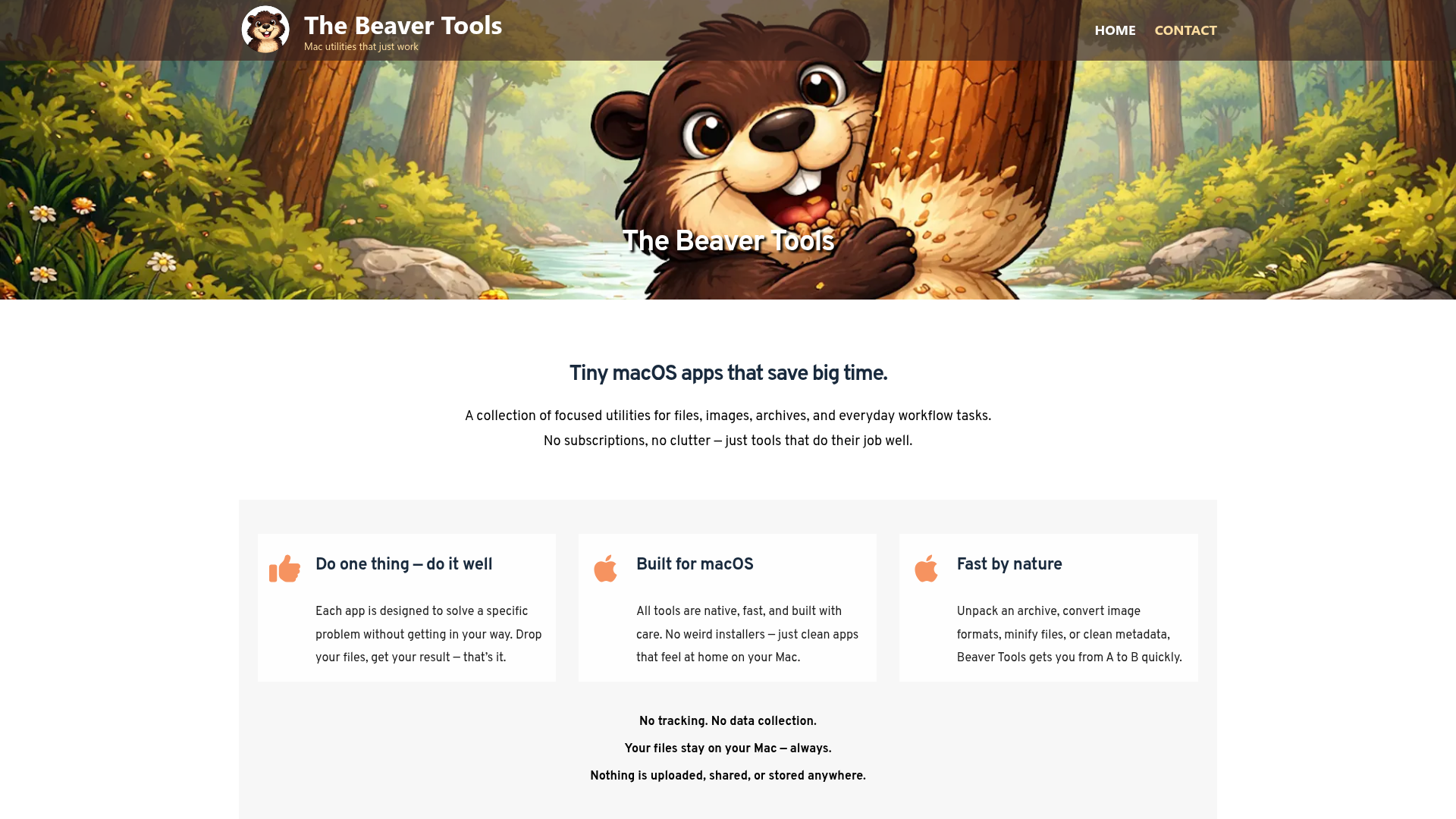
Beaver Tools offers a comprehensive suite of tiny, native macOS utilities designed to streamline everyday digital workflows. This collection of focused applications empowers Mac users, developers, and designers with efficient tools for managing files, images, archives, and various productivity tasks, all without subscriptions or clutter.
Key Features:
- Native, fast, and meticulously built for macOS, ensuring a seamless user experience.
- Each app is designed to solve a specific problem with a simple drag-and-drop interface.
- Commitment to user privacy: No tracking, no data collection; all files remain on your Mac.
- Extensive range of tools covering graphic conversions, archive management, PDF manipulation, network utilities, and more.
- One-time purchase model for individual apps, providing lasting value without recurring costs.
Use Cases:
Beaver Tools excels in various scenarios. Graphic professionals can effortlessly convert images to modern formats like AVIF, HEIC, and WebP, create icon sets, remove backgrounds, or minify image sizes for web optimization. Privacy-conscious users can strip sensitive metadata from images and PDFs using Meta Cleaner and PDF Meta Cleaner. For file management, tools like unpackALL handle diverse archive formats (7Z, RAR, ZST, ZIP), while pack7Z and packZST offer efficient compression. Developers and system administrators benefit from SFTP, SSH, and VPN monitoring tools, alongside utilities for disk hygiene and virtual machine management.
Productivity is enhanced with clipboard managers (Copy 2 Clip, Snip 2 Clip), advanced screen capture (Smart Shot Pro), and OCR capabilities (Screen OCR Pro). PDF tools allow for creating contact sheets, merging/splitting pages, and building PDFs from photos. Specialized tools extend to 3D mesh viewing and welding, Android file transfer (USB Phone Transfer), and even a code editor (ZenCoder) with optional AI integration for those who choose to use their own API keys.
Pricing Information:
Beaver Tools operates on a straightforward one-time purchase model for each individual application. Prices range from $0.99 for simpler utilities like InterStellar Harmony to $24.99 for more advanced tools like myCloudDrive. There are no subscriptions, hidden fees, or recurring costs, allowing users to own their tools outright.
User Experience and Support:
The user experience is central to Beaver Tools' design philosophy. Each app boasts a clean, native macOS interface, focusing on simplicity and efficiency. The "Drop your files, get your result — that’s it" approach ensures ease of use, even for complex tasks. All tools are fast and feel at home on a Mac, avoiding "weird installers." Support and contact information are available via atec-systems.com, ensuring users can get assistance when needed.
Technical Details:
All Beaver Tools applications are built natively for macOS, leveraging the platform's capabilities for speed and performance. This native development ensures that the apps are highly optimized, fast, and integrate seamlessly with the macOS environment. While specific programming languages or frameworks are not explicitly stated, the "native" description implies modern macOS development practices.
Pros and Cons:
- Pros: Native macOS performance, privacy-focused (no data collection), one-time purchase model, wide array of specialized tools, intuitive drag-and-drop interface, clean and clutter-free design.
- Cons: Primarily focused on macOS (with some iOS apps), no explicit free trials for individual apps, purchasing many tools can accumulate costs, limited information on specific technical stack.
Conclusion:
Beaver Tools provides an invaluable collection of efficient, privacy-conscious utilities for Mac users seeking to optimize their digital workflow. With its focus on native performance, simplicity, and a diverse range of specialized tools, it's an excellent choice for enhancing productivity. Explore their extensive catalog of applications today to find the perfect tools for your needs.
Comments
Publisher

Launch Date2026-10-05
Platformdesktop
Pricingpaid
Tech Stack
#native
Sponsors

Product Hunt Email Scraper
Scraper Email for Product Hunt Daily leaderboard and peerlist, tinylaunch, uneed.
Become a Sponsor
Get your brand featured here
Outbid
View🥇 🥈
🥈 🥉
🥉
Want this spot? Pay what you wantBest Launch Directories: launch directories with DR, traffic and pricing
Launch directories, product launch platforms and startup listing sites in one table, with Domain Rating by Ahrefs, traffic where known, pricing and link type for each.
$50
Boost Your Domain Rating — DoFollow Backlinks (DR 30–70) from $30
Raise your Ahrefs Domain Rating with 5 - 50 dofollow backlinks from DR 30–60 sites — from $50, guaranteed to improve your DR or your money back.
$45
DirEasy - The Best Directory Boilerplate with AI | DirEasy
The best directory boilerplate, packed with AI, Listings, Payment, Submission, CMS, Blog, Authentication, Newsletter, SEO and more.
$41