Introduction
PixPin is a versatile and fast all-in-one tool designed for capturing, annotating, and organizing visual information. It seamlessly integrates screenshots, screen recordings, and OCR capabilities into a single, flexible application, making it an essential utility for enhanced productivity.
Target Audience
Ideal for professionals across various fields including designers, developers, product managers, customer support, writers, researchers, educators, and anyone needing efficient visual communication and documentation.
Key Features
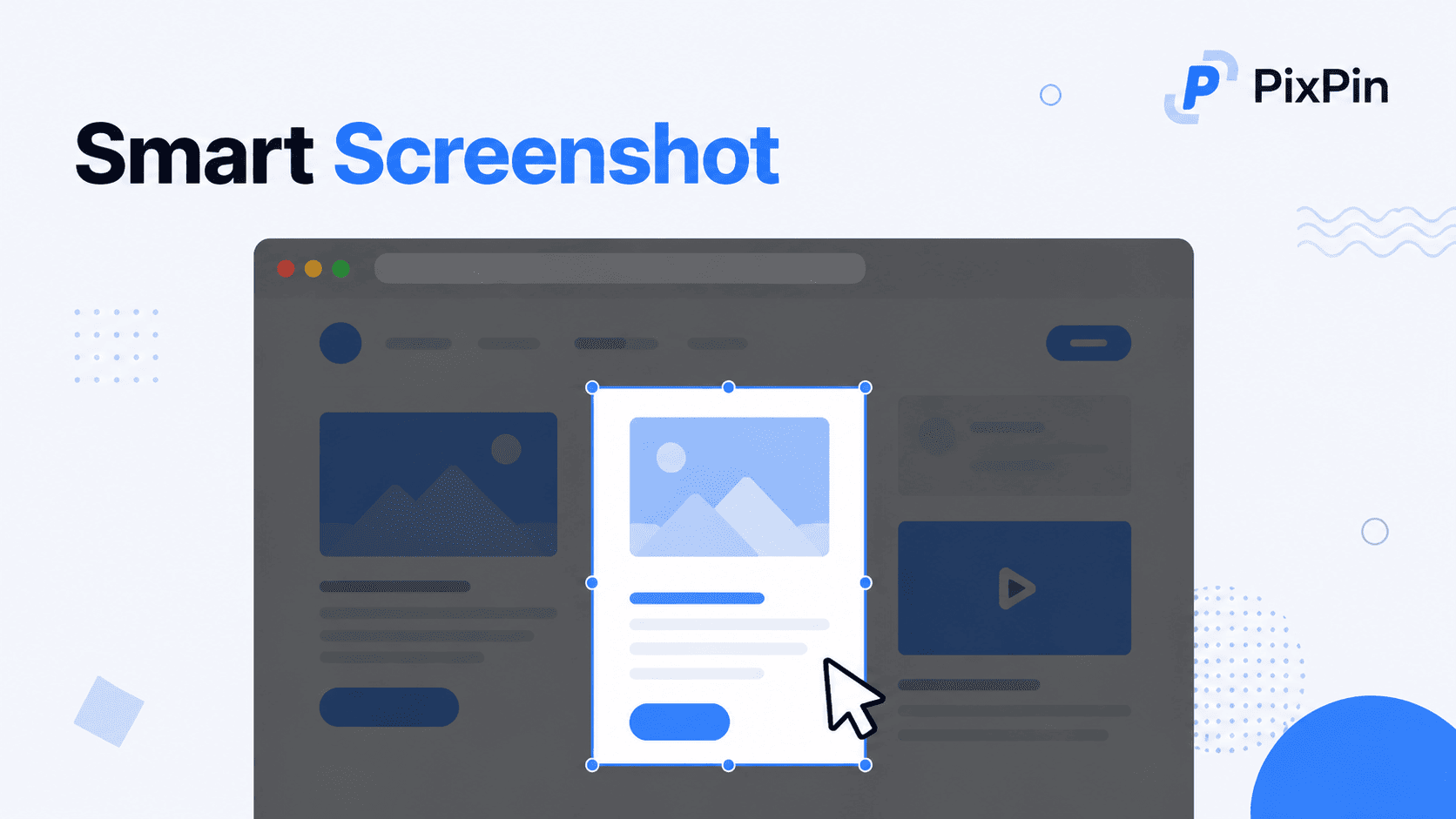
- Smart Screenshot & Long Captures: Precisely capture windows, specific UI elements, or full screens with smart auto-detection, and stitch long pages, chats, or documents.
- Screen Recording & GIF Creation: Record videos or animated GIFs with comprehensive annotations, including optional keystroke and mouse click tracking for detailed tutorials.
- OCR (Optical Character Recognition): Instantly extract and copy text directly from images, screenshots, or pinned notes, eliminating the need for manual retyping.
- Pin to Screen: Pin images, text, colors, and files to your screen like digital sticky notes, providing instant reference and sparking creativity.
- Advanced Annotation Tools: Express ideas clearly with a rich set of tools including circles, highlights, sequence numbers, and mosaic to hide sensitive information.
- Quick Pin Screenshot (Pro): Rapidly capture and pin screenshots with a global mouse function (WIN + Drag) in any software for immediate visual notes.
Use Cases
PixPin significantly enhances productivity across numerous professional scenarios. Designers can pin mockups and UI references directly to their screen, annotating design feedback with ease, streamlining the design review process. Developers benefit by keeping API documentation, logs, and error messages visible while coding, and can quickly capture bugs with detailed screenshots or video recordings, including action recordings of keystrokes and mouse clicks for clear bug reports.
Product Managers can document user flows, gather feedback threads using long captures, and leverage OCR to organize information efficiently, ensuring all project details are accessible. Customer Support teams can record step-by-step issues and highlight screen areas to visually guide users, improving problem resolution. Writers and researchers can extract quotes with OCR and pin visual notes or references, making research and content creation more organized. Educators and trainers can create annotated tutorials and demos using screenshots and GIFs to explain complex concepts clearly and effectively.
Pricing Information
PixPin offers a "Free to start" model, allowing users to begin capturing smarter without any initial cost or sign-up requirement. This indicates a freemium approach, with a "PixPin Pro" tier mentioned for advanced features like Action Recording and Quick Pin Screenshot, catering to users with more intensive needs.
User Experience and Support
The tool emphasizes speed and flexibility, suggesting a user-friendly and intuitive interface. Its "Capture anything. Pin everything." motto highlights its ease of use. The availability of "How to use" guides and an "FAQ" section indicates dedicated resources for user assistance, ensuring a smooth onboarding and usage experience. Users can also contact support via email.
Technical Details
The provided content does not specify the underlying programming languages, frameworks, or technologies used for PixPin. However, it is explicitly stated to be available for Windows and macOS, indicating native desktop applications designed for optimal performance on these operating systems.
Pros and Cons
- Pros:
- Comprehensive all-in-one solution for screenshots, screen recording, and OCR.
- Highly flexible and fast capture options (regions, windows, scrolling, UI elements).
- Powerful and diverse annotation tools for clear visual communication.
- Innovative "Pin to screen" feature for persistent visual references and enhanced workflow.
- Accurate OCR capability for efficient text extraction, saving significant time.
- Cross-platform availability on both Windows and macOS.
- Free to start with no sign-up required, lowering entry barriers.
- Cons:
- Specific advanced features like Action Recording are part of the "PixPin Pro" tier, implying a paid upgrade for full functionality.
- No explicit mention of cloud storage or synchronization features for captured content.
- While intuitive, mastering all advanced features might require some initial exploration for new users.
Conclusion
PixPin stands out as a comprehensive and indispensable tool for anyone looking to streamline their visual communication and documentation workflows. Its blend of smart capture, powerful annotation, and innovative pinning features makes it a highly efficient solution for various professional needs, from design and development to customer support and education. Start capturing smarter and integrate PixPin into your workflow today.
Comments
Publisher
Launch Date2026-08-07
Platformdesktop
Pricingfree
Tech Stack
#web
Sponsors

Product Hunt Email Scraper
Scraper Email for Product Hunt Daily leaderboard and peerlist, tinylaunch, uneed.
Become a Sponsor
Get your brand featured here
Outbid
View🥇 🥈
🥈 🥉
🥉
Want this spot? Pay what you wantBest Launch Directories: launch directories with DR, traffic and pricing
Launch directories, product launch platforms and startup listing sites in one table, with Domain Rating by Ahrefs, traffic where known, pricing and link type for each.
$50
Boost Your Domain Rating — DoFollow Backlinks (DR 30–70) from $30
Raise your Ahrefs Domain Rating with 5 - 50 dofollow backlinks from DR 30–60 sites — from $50, guaranteed to improve your DR or your money back.
$45
DirEasy - The Best Directory Boilerplate with AI | DirEasy
The best directory boilerplate, packed with AI, Listings, Payment, Submission, CMS, Blog, Authentication, Newsletter, SEO and more.
$41