
Cursor AI Mobile - Remote IDE
Cursor AI Mobile - Remote IDE
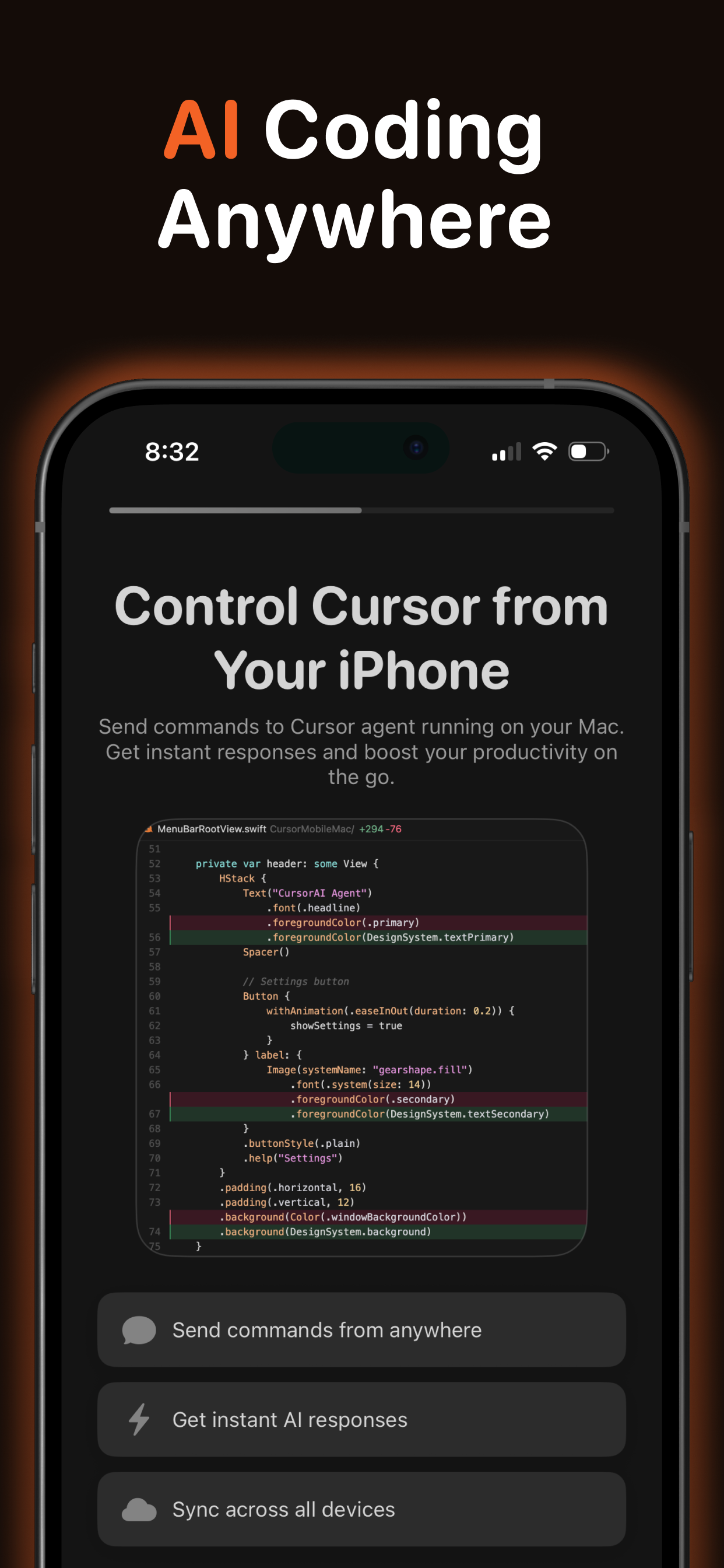
Cursor Mobile is an innovative SaaS solution designed to extend the power of AI-assisted coding from your Mac to your iPhone and iPad. It serves as a companion app for the Cursor IDE, enabling developers to maintain a continuous, AI-powered workflow regardless of their location.
Key Features
Instant prompt execution on your Mac via Cursor Agent.
Real-time syncing of AI results and chat history across devices.
Support for a wide range of premium AI models, including GPT-5, Claude Opus 4.5, and Gemini 3 Pro.
Project-aware processing within your existing Cursor workspace.
CloudKit-powered syncing for seamless data flow between iOS and macOS.
Offline prompt creation with automatic synchronization once connectivity is restored.
One free daily prompt, with premium subscriptions for unlimited usage.
Built-in Prompt Hub with curated developer prompts and customizable templates.
Use Cases
Cursor Mobile is ideal for professional developers who need to stay connected to their coding environment and AI assistant while away from their desk. Imagine reviewing code suggestions during your commute, debugging issues from a coffee shop, or continuing architectural discussions during a break. The app allows you to send prompts from your mobile device that run instantly on your Mac, with results and chat history syncing back in real time.
Whether you need to ask technical questions, request code snippets, or maintain ongoing conversations with your AI assistant, Cursor Mobile ensures your productivity remains uninterrupted. Every message you send becomes a prompt processed by Cursor’s AI-powered development environment, making it a powerful tool for on-the-go code generation, review, and problem-solving.
Pricing Information
Cursor Mobile operates on a freemium model, offering one free prompt per day. For unlimited usage, premium subscriptions are available at $9.99 monthly or $49.99 annually. Both plans include a free trial, and all billing is securely managed through your Apple ID.
User Experience and Support
Built with modern Apple technologies like SwiftUI and SwiftData, Cursor Mobile promises a smooth and reliable user experience with fast local performance. CloudKit ensures seamless synchronization across your iOS and macOS devices. While early user feedback highlights some UI areas for improvement, the developer is actively iterating and responsive to user input, indicating strong commitment to enhancing the app's usability and stability.
Technical Details
The app requires iOS 17.0 or later and macOS 14.0 or later, with both devices using the same Apple ID and iCloud enabled. A lightweight macOS menu bar agent receives prompts via push notifications and executes them within your configured project directory. Essential setup includes Cursor CLI installation and granting Full Disk Access on macOS for proper prompt processing and project access.
Remote AI coding from anywhere, real-time cross-device synchronization, extensive AI model support, deep integration with Cursor IDE, offline functionality, leverages modern Apple technologies, free daily usage option.
Conclusion
Cursor Mobile offers a unique and powerful solution for developers seeking to extend their AI-assisted coding workflow beyond the desktop. Its deep integration with Cursor IDE and real-time syncing capabilities provide an unparalleled mobile development experience. Explore Cursor Mobile today to unlock a new level of coding productivity on the go.
Comments
Achievement


Publisher

Launch Date2026-01-15
Platformmobile
Pricingfreemium
Tech Stack
#SwiftUI#Cursor#AppStore#Xcode#iOS
Sponsors

Product Hunt Email Scraper
Scraper Email for Product Hunt Daily leaderboard and peerlist, tinylaunch, uneed.
Become a Sponsor
Get your brand featured here
Outbid
View🥇 🥈
🥈 🥉
🥉
Want this spot? Pay what you wantBoost Domain Rating - Boost Domain Rating is a platform to discover and upvote the best tech products. Find top products launching daily.
Boost Domain Rating is a platform to discover and upvote the best tech products. Find top products launching daily.
$35
DirEasy - The Best Directory Boilerplate with AI | DirEasy
The best directory boilerplate, packed with AI, Listings, Payment, Submission, CMS, Blog, Authentication, Newsletter, SEO and more.
$30
Quiz Shot - Solve Any Screenshot Question in Seconds.
AI Study Assistant that answers any screenshot question. Get free AI tutor and step-by-step math and homework help with ChatGPT.
$25